
Email for Trello blog
Learn how to manage your business in Trello.
Our best Trello tips, Trello Power-Up news and Trello resources – all in one place.
Run a cold outreach sequence entirely from Trello
Build a working cold outreach system in Trello, with Saved Replies, due-date follow-ups, and Butler automation.
Connect a shared email inbox to the new Trello
Learn how to connect a shared team email address to a Trello board so your whole team can see and reply together.
How to manage email workflow from Trello mobile
Triage, reply to, and automate emails from Trello's iOS and Android apps. A practical guide to running your shared inbox on the go.
How to build a Trello help desk from scratch (step-by-step)
Build a working Trello help desk in a week. Board layout, email setup, Saved Replies, and Butler automation, step by step.

Trello AI Features: The Complete Guide (2026)
Every AI feature in Trello, from the writing assistant to Quick Capture, with steps to activate each one and fit it into your workflow.
8 Contact Management Tips to Keep Your Team Organized
Keep your team's contacts organized with these 10 practical tips for better contact management, from grouping by company to cleaning up your database.
Build a LinkedIn People Directory in Trello (Step-by-Step)
Export LinkedIn connections and import them into Trello as a working people directory. Use Email for Trello's contact management tools to organize and follow up.
Lightweight ways to customise Trello
Seven simple ways to customize Trello, so your boards stay clear, fast, and easy to run.
Automate emails in Trello based on due dates
Automate emails from Trello based on custom dates, so that your team can stay on top of follow-ups, reminders, and updates.
The Complete Guide to Trello Automation in 2026
Butler rules, buttons, scheduled commands, and recipes to set up today.
How to use the Trello API to automate your emails
Do more with email automation in Trello! Use the Trello comment API to automate your emails and replies with SendBoard’s Email for Trello Power-Up.

How to merge duplicate support tickets in Trello (without losing context)
Use the Email for Trello Power-Up to merge duplicate Trello cards, and keep your help desk organized.
How to create a shared inbox in Outlook
Trying to create a shared inbox in Outlook? We show you how Trello can help your team organize and act on email.

How to create a shared inbox in Gmail
Trying to create a shared inbox in Gmail? We show you how Trello can help your team organize and act on email.
Tips for collecting year-end feedback with email in Trello
We show you how to automatically send a survey as an email reply from Trello (and collect the survey responses on your board as Trello cards).
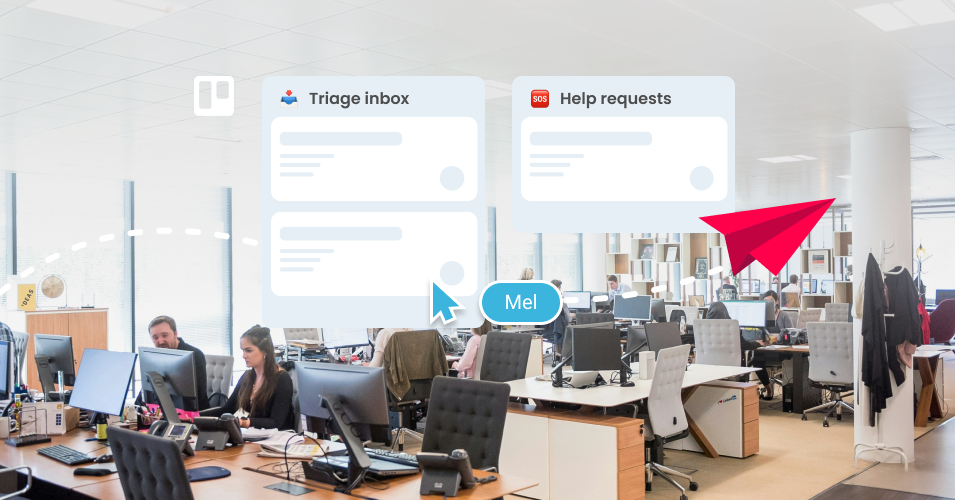
How to triage inbound emails and allocate them across different teams
Set up a central Trello board to triage your incoming emails and use automation to send them to the correct team.
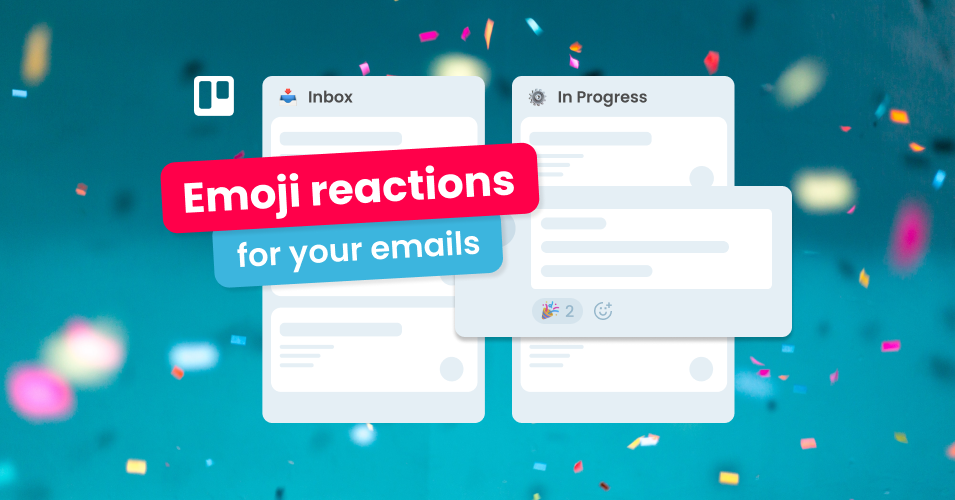
Shrink feedback loops with emoji reactions in Trello
Make feedback loops on communication and email collaboration in Trello faster, and more fun, with emoji reactions. No extra effort required!
Manage support for your WooCommerce site in Trello
Use Email for Trello to simplify your WooCommerce customer support, improve response times and keep customers happy!
Manage support for your Shopify site in Trello
Use Email for Trello to simplify your Shopify customer support, improve response times and keep customers happy!
Keep clients up to date on projects with email in Trello (2024)
Stay on top of your business communications with these 4 tips on how to keep clients updated throughout a project.