
SHARED INBOX IN TRELLO
Individual inboxes are so 2022
We kid, but your best work happens in Trello. So why not use it as a shared inbox for your teams?
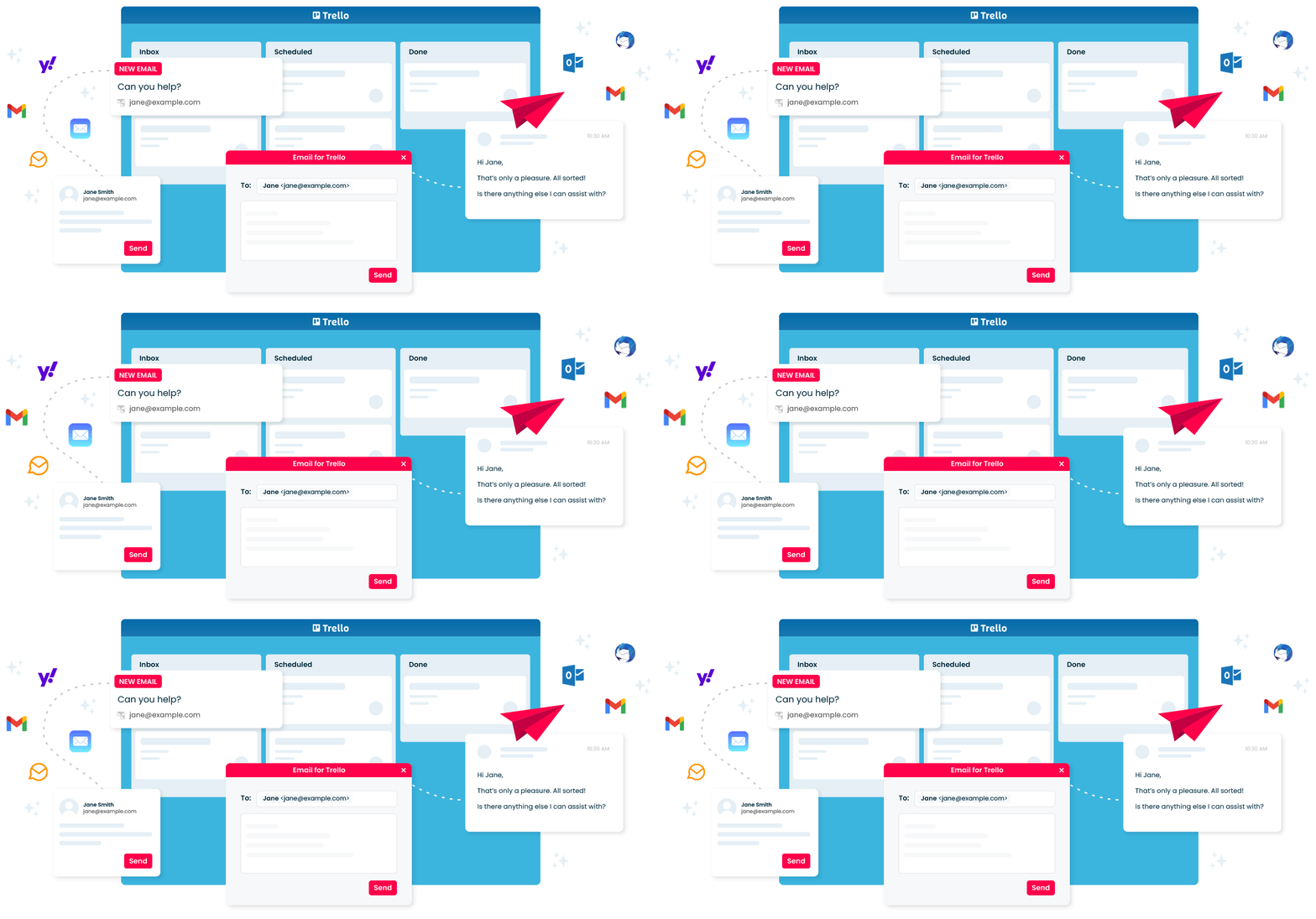


What is a shared inbox ?
A shared inbox lets multiple people on one team read and send email from one mailbox.
Combine a shared inbox with the power of Trello, and you’ll give your team collaborative superpowers.
Your superhero team is one shared inbox away

No more missed messages
Trello’s Kanban layout makes it easy to spot new emails and keep track of open conversations, so that your team can improve response times and offer better customer service.

Assign, tag, and track easily
Triage emails effectively by assigning team members, adding due dates and prioritizing with labels. No more messy and confusing email threads.
Reduce double handling
Anyone can see the history of a request or pick up where a team member left off, without duplicating messages or keeping customers waiting.

How to win with a shared inbox and Kanban in Trello
-
More visibility
A shared inbox in Trello centralizes your emails, making it easy for your team to collaborate.
-

Improved efficiency
Each email becomes a Trello card that can be assigned, discussed, and tracked.
-

Automated workflows
Set up rules to forward emails, assign tasks, and add labels or due dates automatically.
Shared inboxes benefit every business function
-

Help Desk & Support
-

Sales & CRM
-

HR & Recruitment
-

Project Management
-

Invoice Management
-

Bookings & Reservations
FAQ
-
A shared inbox can help your business by improving communication and collaboration among your team members. Everyone can see incoming emails, assign tasks, and respond without duplicating efforts. This helps ensure that no emails are missed and that responses are timely. It also helps in tracking the progress of different queries or issues.
-
To set up a shared inbox in Trello:
Create a new Trello board for your shared inbox.
Add lists to the board to represent different stages of email handling (e.g., Inbox, In Progress, Awaiting Reply, Completed).
Use the Email for Trello power-up to integrate your email with Trello. This allows you to forward emails directly to your Trello board.
Invite your team members to the board so everyone can access and manage the emails.
-
In Trello, emails are organized using cards. Each email forwarded to Trello becomes a card on your board. You can move these cards between lists to represent their status (e.g., Inbox, In Progress, Awaiting Reply, Completed). You can also add labels, due dates, and comments to each card to keep everything organized.
-
Yes, you can track who is handling which emails. Trello allows you to assign team members to specific cards (emails). This way, everyone knows who is responsible for which task. You can also add comments to cards, which helps keep a record of communication and actions taken.
-
To ensure important emails are not missed:
Use labels to mark urgent or high-priority emails.
Set due dates and reminders on important email cards.
Regularly review the "Inbox" and "In Progress" lists to ensure timely responses.
Use Trello's notification system to alert team members about new or critical emails.
-
A shared inbox in Trello improves team collaboration by providing a central place where all team members can see and manage emails. This transparency helps everyone stay on the same page and reduces the risk of duplicated efforts. Team members can discuss emails directly on the cards, assign tasks, and track progress together.
-
If you use Email for Trello, your shared inbox in Trello can be accessed from your mobile device. Trello has a mobile app available for both iOS and Android. You can manage your Trello boards, view and move cards, add comments, and assign tasks directly from your mobile device, making it easy to stay connected and manage your shared inbox on the go.