
Email for Trello blog
Learn how to manage your business in Trello.
Our best Trello tips, Trello Power-Up news and Trello resources – all in one place.
How to manage your emails with notes and organizations
Improve your CRM with Email for Trello’s new contact management tools! Sort and organize your contacts in Trello with our new notes and groups features.
How to import and export contacts in Email for Trello
Email for Trello’s latest CRM features include new tools for contact import and export. Here’s a closer look at how it works.
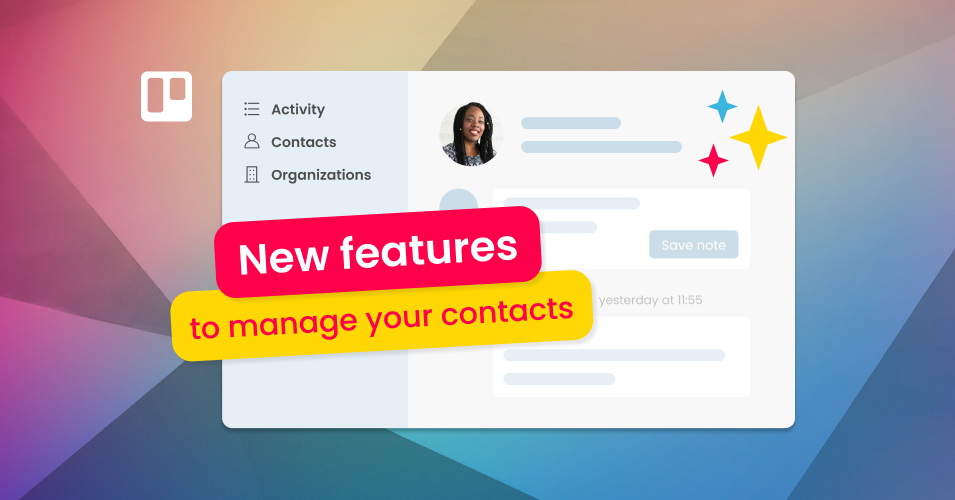
New feature: Contact management in Email for Trello
New contact management features in Email for Trello! View email activity, import contacts, group contacts by organization, add custom notes and more.
New feature: Dark mode in Email for Trello
We’ve introduced dark mode in Email for Trello! You can now match your brightness setting to your Trello board when reading and writing emails.
3 tips to drive your business forward with email
Harness the hidden power of email! Follow our tips to transform your workflow and get the business edge with email.
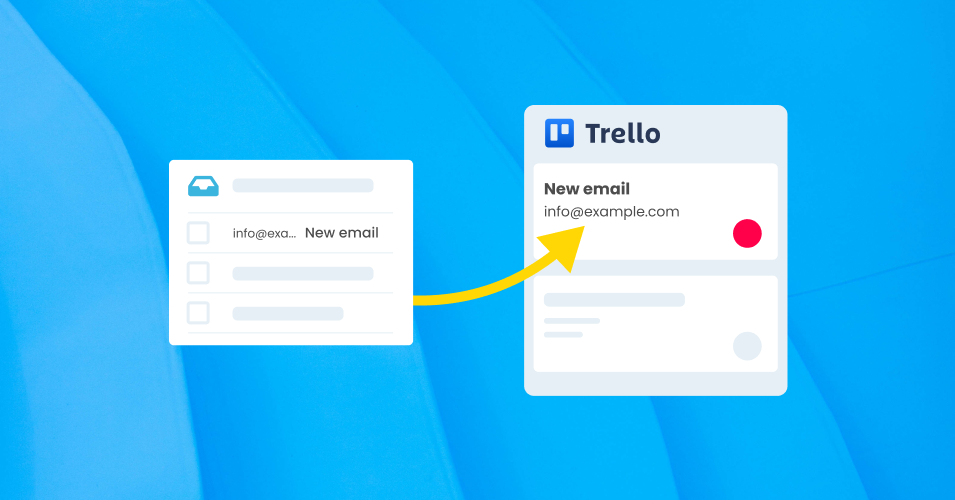
Automatically forward emails from your inbox to Trello
Get emails out of your inbox and into Trello! Set up a forwarding rule to receive emails in Trello using your own email address.
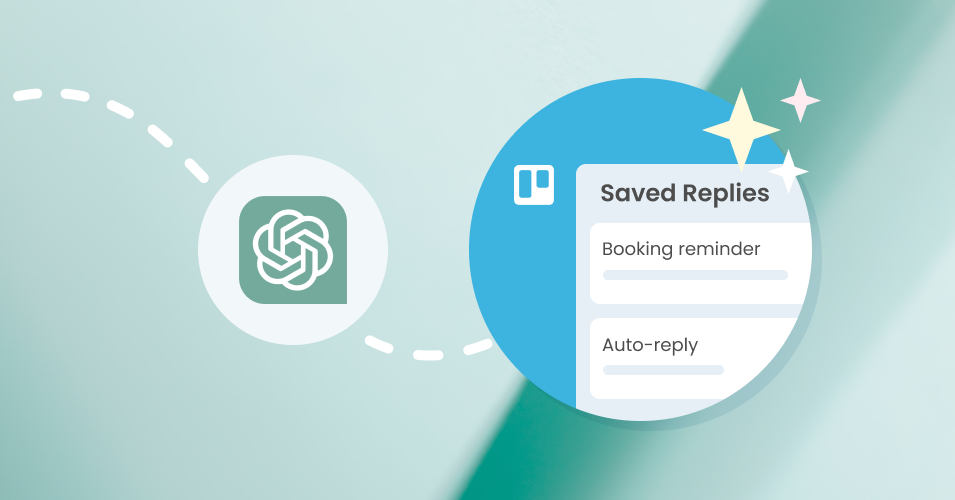
Get ChatGPT to write your Saved Reply emails
Teach ChatGPT how to use Trello variables and Custom Fields so that you can quickly build a library of Saved Replies.
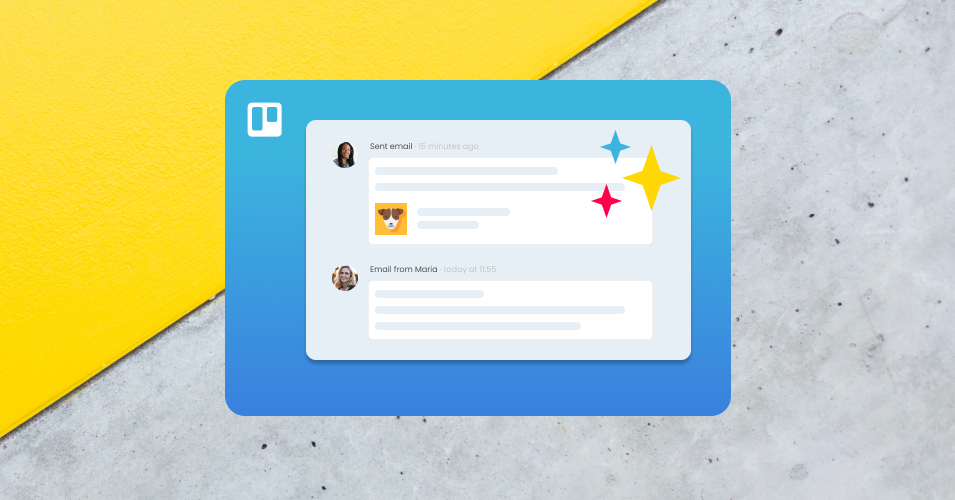
New features: UI improvements & inline images in comments
We’ve made some updates to the Email for Trello Power-Up to better integrate with Trello’s latest UI changes
How to get your team using Email for Trello
Our guide to making your team’s transition to Email for Trello as seamless and stress-free as possible.
Need help with Trello? Find an expert!
Whether you’re looking for a consultant or considering doing it yourself, make sure you get the most out of Trello for your business.
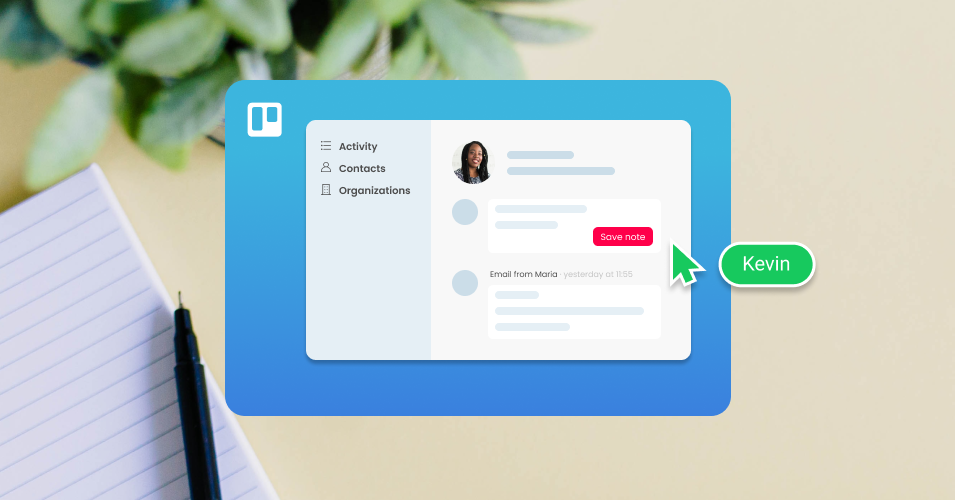
New contact management features: Call for beta testers
SendBoard is developing more advanced CRM capabilities for the Email for Trello Power-Up, including groups, notes and import/export options.
The Magic of SendBoard: Behind the scenes of the Email for Trello Power-Up
Take a peek behind the scenes of Email for Trello to discover the hidden benefits of using the Power-Up for your email workflow.
Better, faster, more secure: Upgrades to Email for Trello
Take a peek behind the scenes of Email for Trello! Our 2023 wrap-up of new features, highlights, changes, improvements and bug fixes.
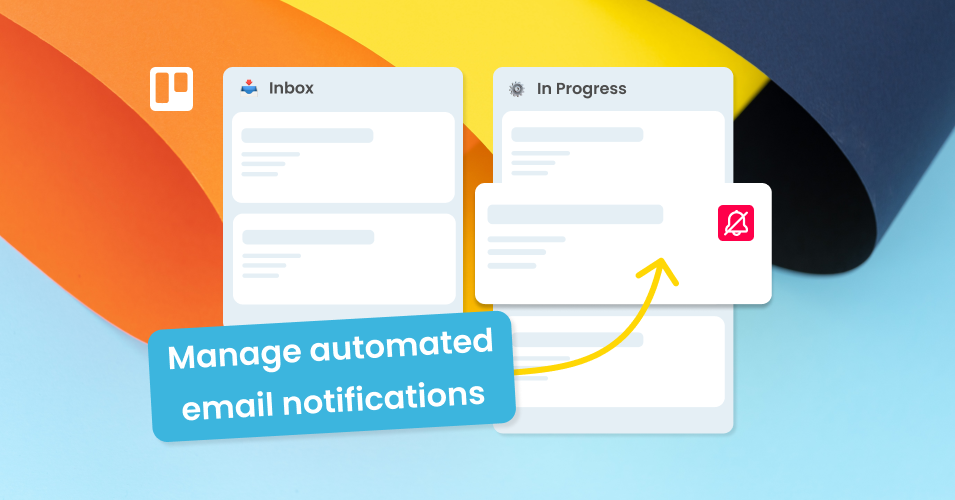
New feature: Remove yourself from email automation notifications
You can now opt-out of receiving notifications for email automations that you created using the Email for Trello Power-Up.
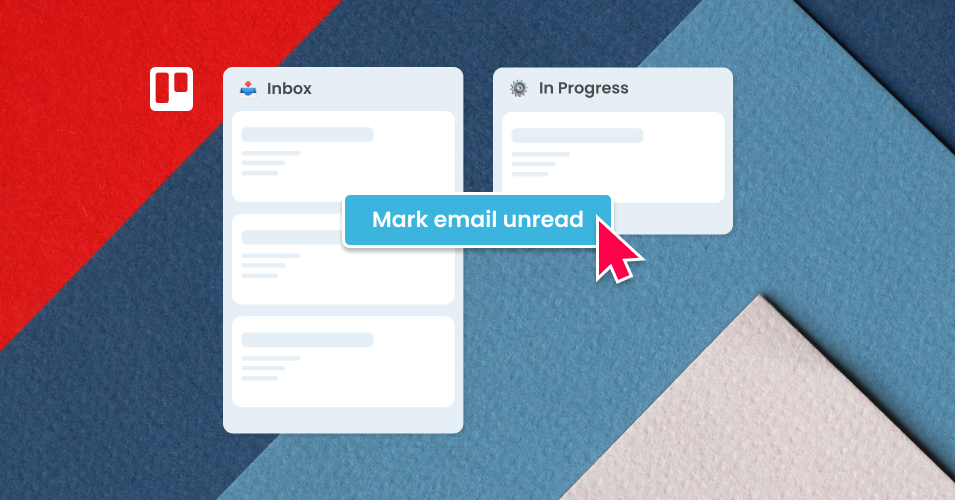
New feature: Mark email as unread in Trello
The Email for Trello Power-Up has introduced a new feature that allows you to flag a card notification as unread.
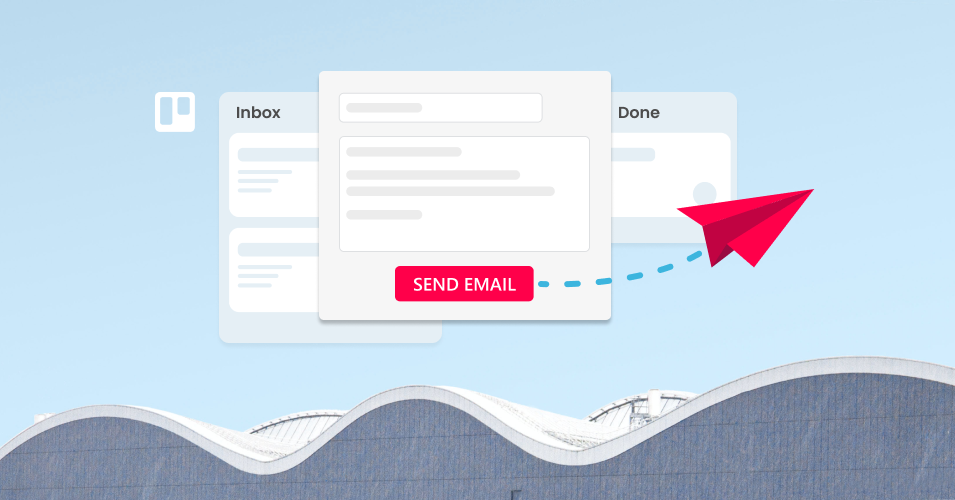
How to send and receive emails in Trello
Email for Trello's comprehensive guide for how to send, receive and reply to emails – without ever leaving Trello.
Integrate Outlook with Trello
Outlook is discontinuing its Trello add-in in December 2022. If you’re looking for an alternative, here are some different options.
Kanban for Email: How to organize your inbox and up your productivity
Love Kanban? Apply it to your email inbox! Organize your shared inbox with Kanban so that your team can respond to emails strategically and get more done.
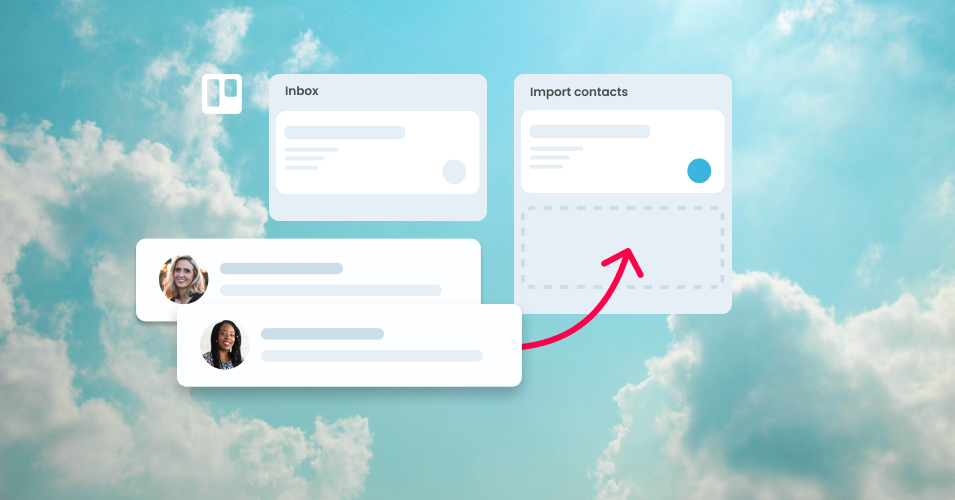
How to import multiple contacts
Learn how to import multiple contacts to Email for Trello using a spreadsheet and Trello automation.
Feature highlight: Custom email addresses
Learn more about Email for Trello’s custom email address options to boost trust, maintain your brand and increase visibility with your customers.