
Email for Trello blog
Learn how to manage your business in Trello.
Our best Trello tips, Trello Power-Up news and Trello resources – all in one place.
Schedule follow-up emails from Trello cards
Turn Trello due dates into scheduled follow-ups. Set chase reminders, save your templates, and let Trello automation send the email for you.
Sales is a multiplayer game: here’s how to play it in Trello
How to run sales as a team on one Trello board: simple rules for who owns each reply, handoffs that carry the whole story, and a pipeline your entire team can read without asking anyone for an update.
The Best Free Trello Power-Ups in 2026
15 Trello Power-Ups for automation, reporting, calendar, forms, and email that are free or have a usable free plan.
Customer Success Workflows in Trello
Build a customer success board in Trello: account cards with health and renewal fields, customer email kept on the card, and automated check-in emails.
Build a recruitment pipeline in Trello with email templates
Set up a hiring pipeline in Trello: turn applications into cards, track candidates by stage, and send interview and offer emails from saved templates.
Trello as a CRM: The Complete 2026 Guide
Set up Trello as a working CRM — pipelines, deals, Custom Fields, automated follow-ups, and where it falls short of a dedicated tool.
Run a cold outreach sequence entirely from Trello
Build a working cold outreach system in Trello, with Saved Replies, due-date follow-ups, and Butler automation.
Connect a shared email inbox to the new Trello
Learn how to connect a shared team email address to a Trello board so your whole team can see and reply together.
How to manage email workflow from Trello mobile
Triage, reply to, and automate emails from Trello's iOS and Android apps. A practical guide to running your shared inbox on the go.
How to build a Trello help desk from scratch (step-by-step)
Build a working Trello help desk in a week. Board layout, email setup, Saved Replies, and Butler automation, step by step.
Shared inbox software for small teams: how to choose
Compare shared inbox tools, helpdesks, Trello-native options, and DIY setups to find the right fit for your small team.
Trello AI Features: The Complete Guide (2026)
Every AI feature in Trello, from the writing assistant to Quick Capture, with steps to activate each one and fit it into your workflow.
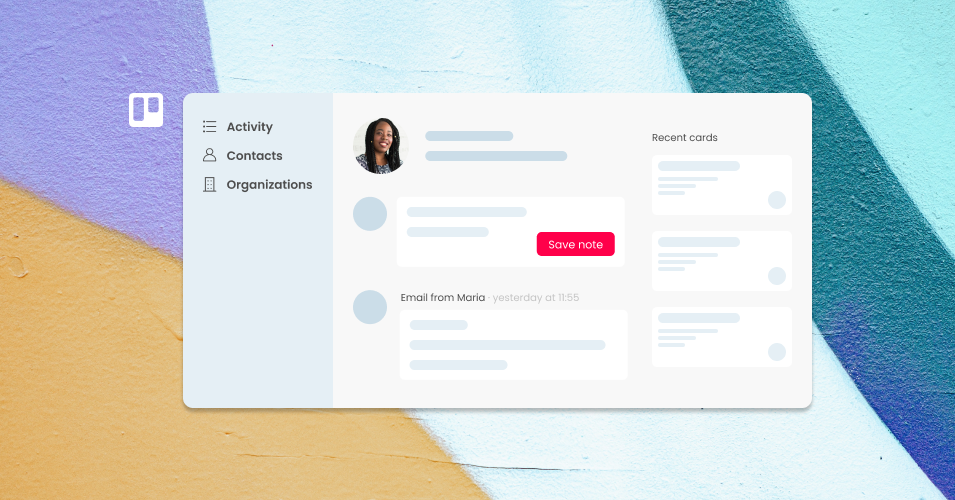
8 Contact Management Tips to Keep Your Team Organized
Keep your team's contacts organized with these 10 practical tips for better contact management, from grouping by company to cleaning up your database.
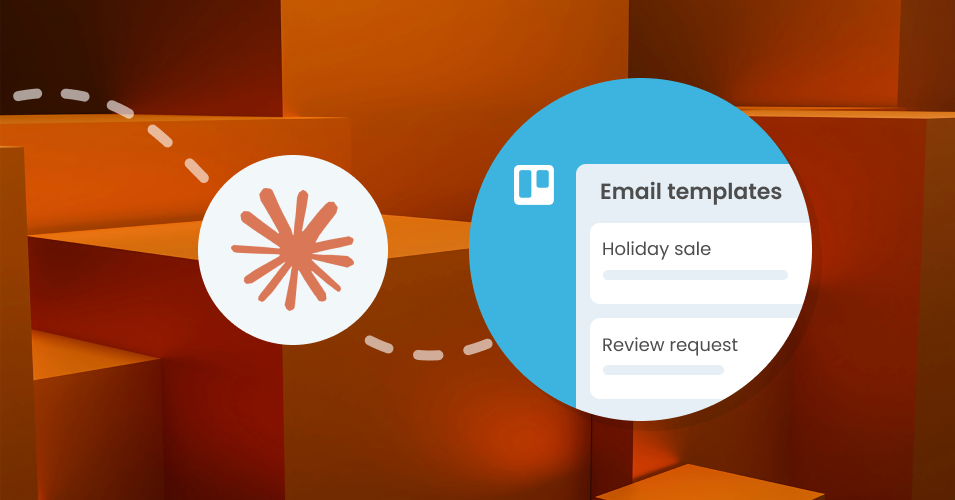
Build a Claude skill for your Email for Trello workflow
Set up a Claude Project skill tailored to your Email for Trello workflow, and generate accurate Saved Reply templates with the right variables built in.

How to Use Trello List Colors to Organize Your Workflow
Learn how to use Trello list colors to organize your board by status, pipeline stage, or project phase, plus how to automate them with Butler.
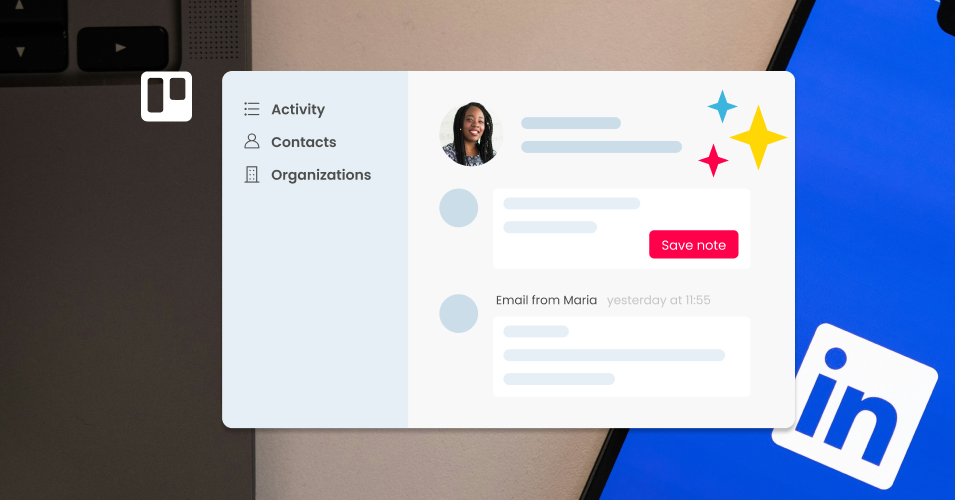
Build a LinkedIn People Directory in Trello (Step-by-Step)
Export LinkedIn connections and import them into Trello as a working people directory. Use Email for Trello's contact management tools to organize and follow up.
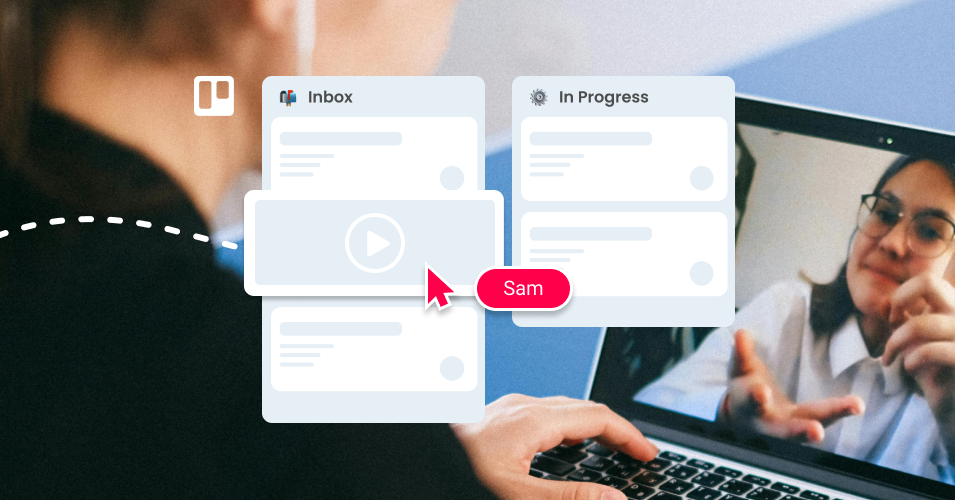
6 nifty ways to use video in your Trello email workflow
We explore 6 ways to use video in your email workflow to connect with your team and clients in a more engaging way.

Automate your sales pipeline with Amazing Fields and Email for Trello
Use the Email for Trello Power-Up to automate your team’s sales email proposal workflow, and include additional data and formulas with Amazing Fields.
Simplify your client onboarding process with email in Trello
Use the Email for Trello Power-Up to keep track of your client onboarding emails, tasks, and documents – all in one Trello board!

How to use Trello to run an automated email-based sales demo at an in-person event
Use the Email for Trello Power-Up to capture leads, respond automatically with tailored emails, and follow-up post-event – no extra tools needed!