
Email for Trello blog
Learn how to manage your business in Trello.
Our best Trello tips, Trello Power-Up news and Trello resources – all in one place.

Three reports to try in Trello
Whether you’re in sales, support or reservations, here are three ways to get the most out of reporting in Trello.
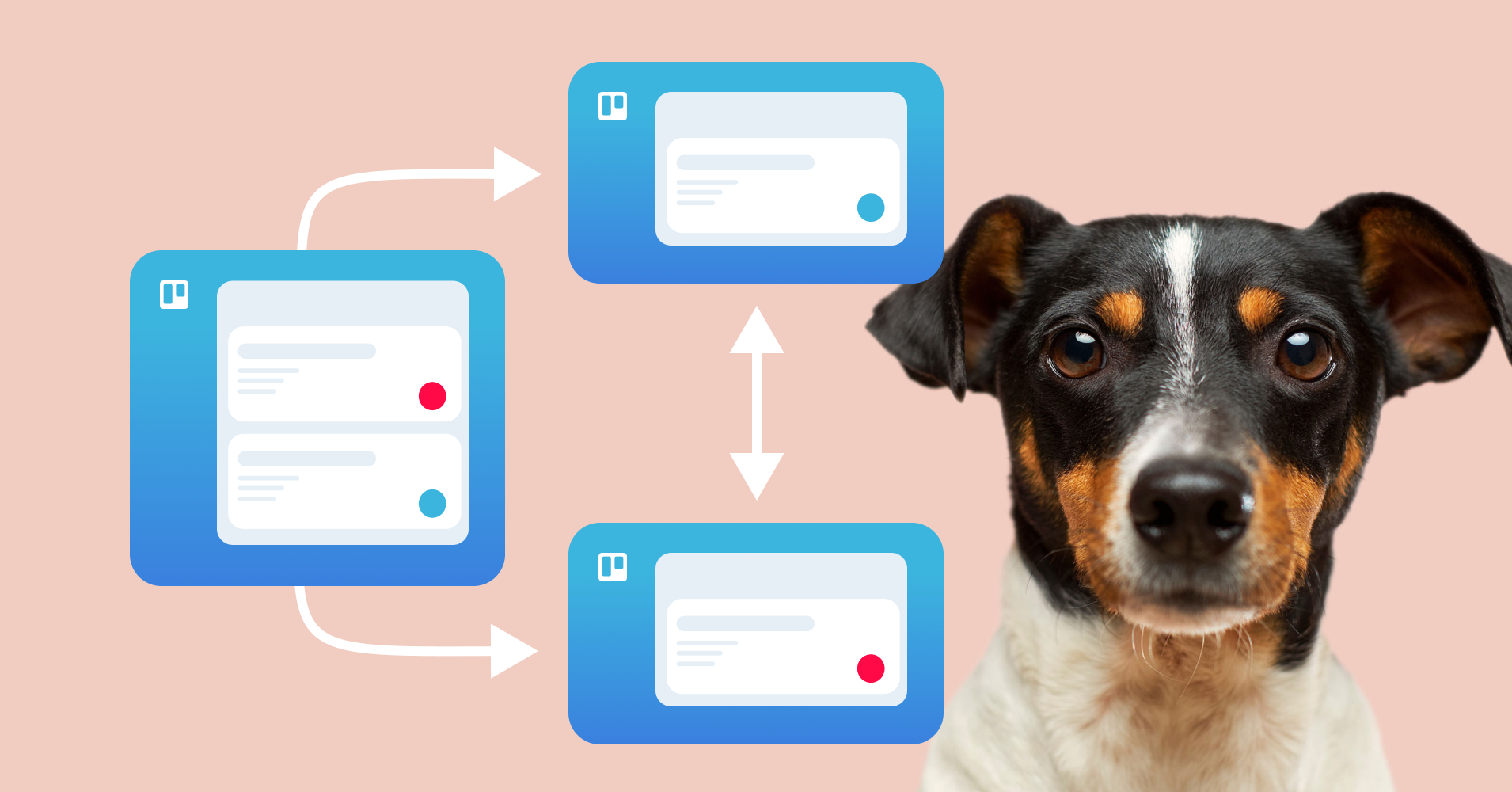
Link multiple Trello boards with this neat trick
Learn this neat trick for working efficiently across multiple boards in Trello. It relies on three things: moving cards, linking boards and automation.
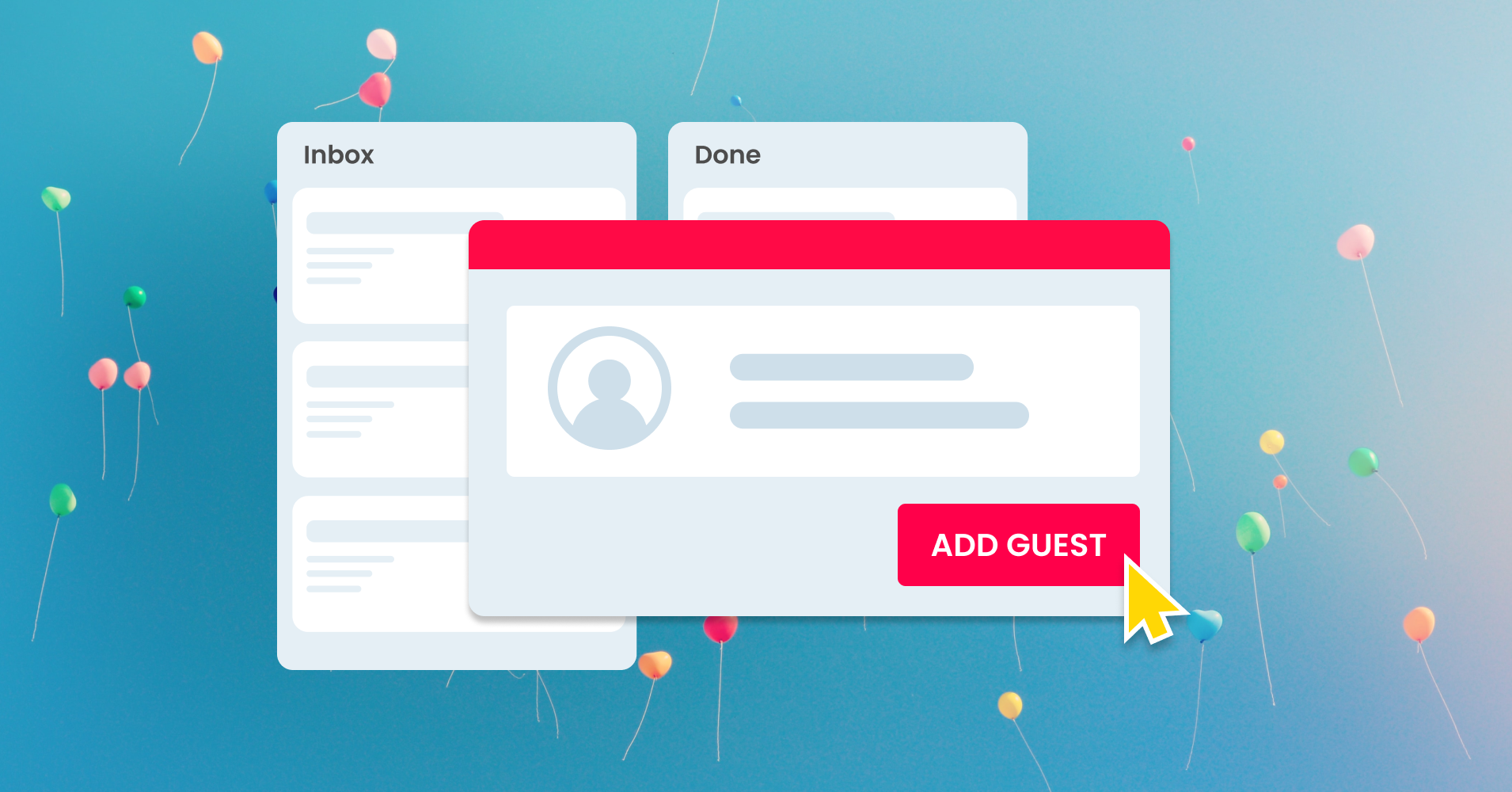
Your board guests can now use Email for Trello
You can now get your Trello board guests involved in sending and replying to emails with Email for Trello. Here’s how to make the most of the new changes.

4 ways to brand your emails with Email for Trello
Make sure your emails look good in your customer’s inbox! Try our top 4 tips for instantly recognizable customer communications.
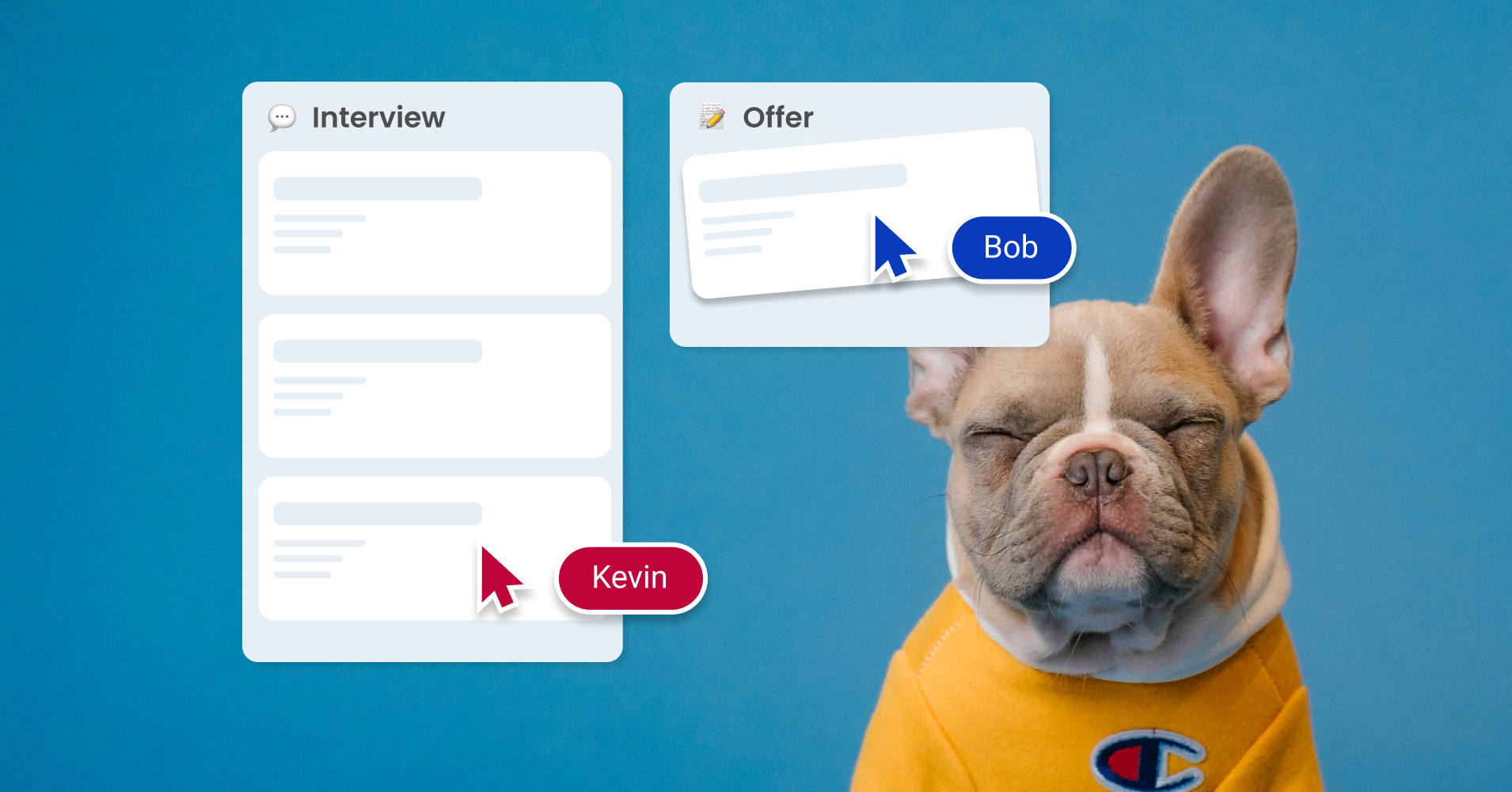
How to manage a hiring pipeline with Email for Trello
Connect a shared recruitment inbox so that you can manage all incoming email applications as separate Trello cards.

A guide to Trello’s pricing structure
Find the perfect Trello plan for your business with our guide to Trello’s plans and pricing structure.

A beginner’s guide to Trello automation rules
Automating repetitive tasks can save your team tons of time! Get inspired to try out rule-based automation in Trello with our handy beginner guide.
SendBoard is featured on Simpletivity!
Productivity guru and go-to Trello expert Scott Friesen of Simpletivity walks you through the Email for Trello Power-Up.

SendBoard is now “Email for Trello”
Looking for the SendBoard Power-Up? We’ve changed things up a bit! We are now Email for Trello in the Power-Up directory.

What your email auto-reply should say
Build trust, manage expectations and improve customer service! We share actionable tips for improving your email auto-replies.
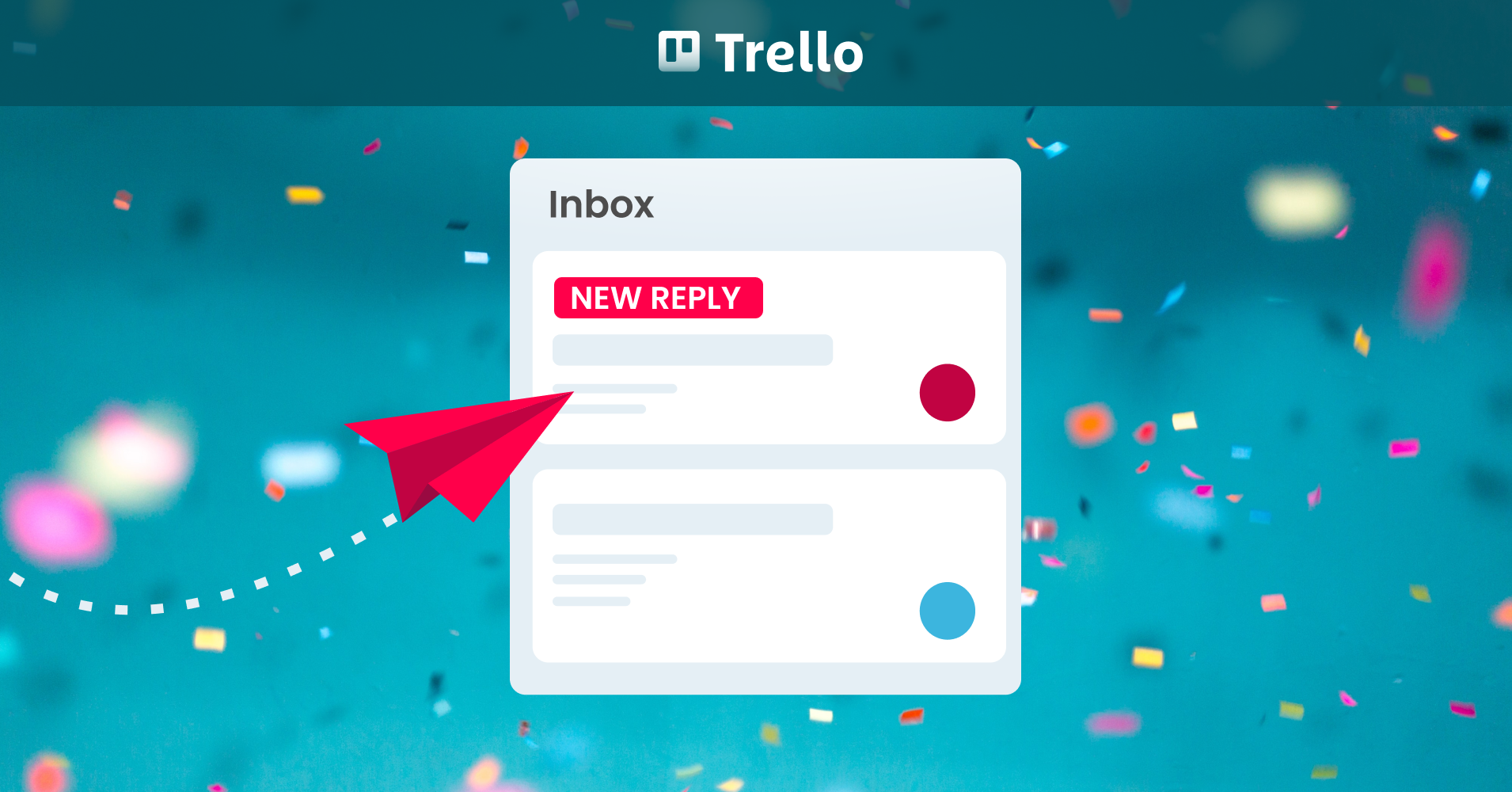
How to set up email reply notifications in Trello
Bump your email card to the top or add a label to notify team members when a new reply is received in Trello
Email at a glance: Trello’s new Timeline and Calendar views
Trello's new views offer fresh ways to visualize your board data! Here's how to get the most out of them for your email workflow.
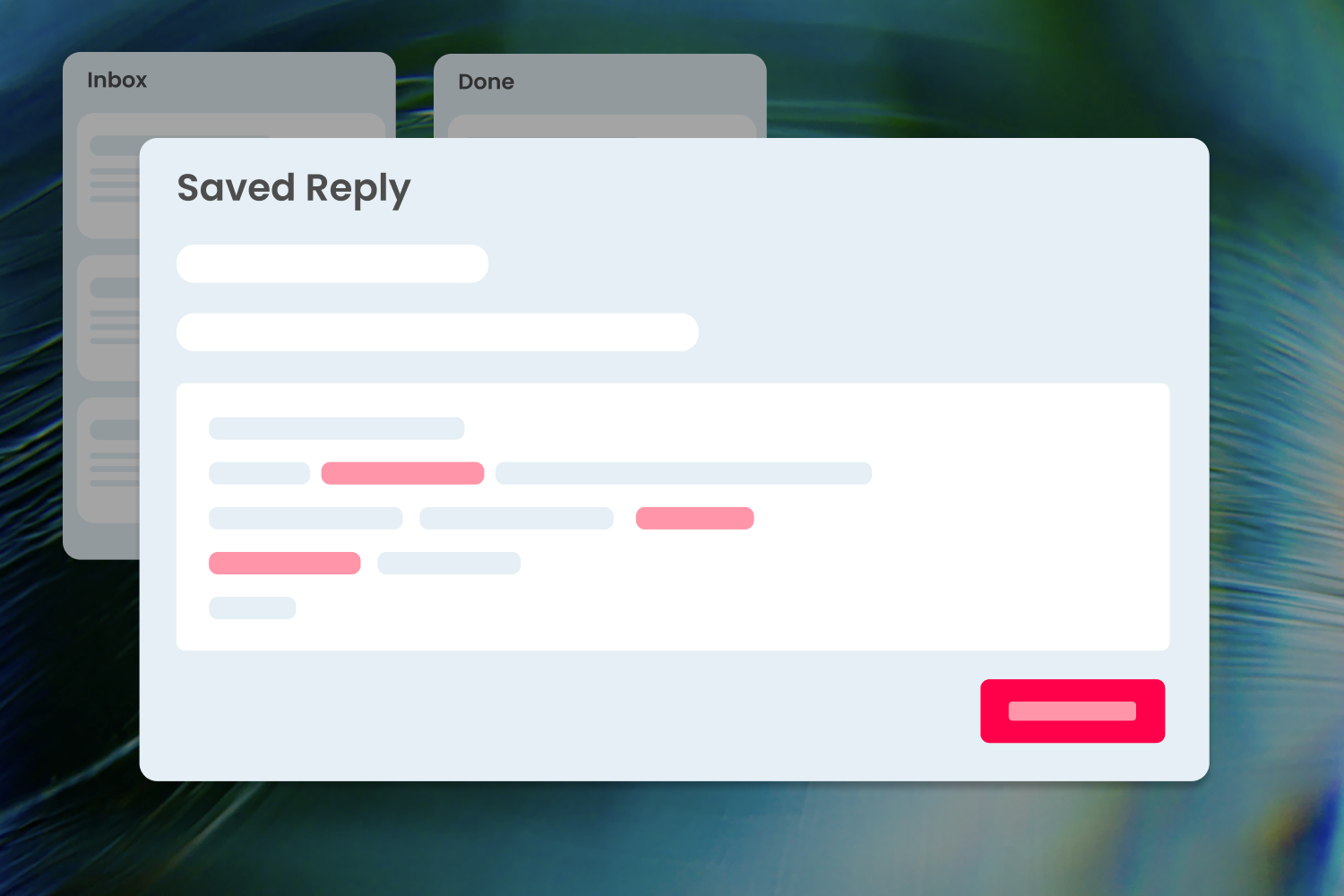
New Trello variables for even better Saved Replies
Great news! We've added a whole lot of new Trello variables to our Saved Reply feature in SendBoard.
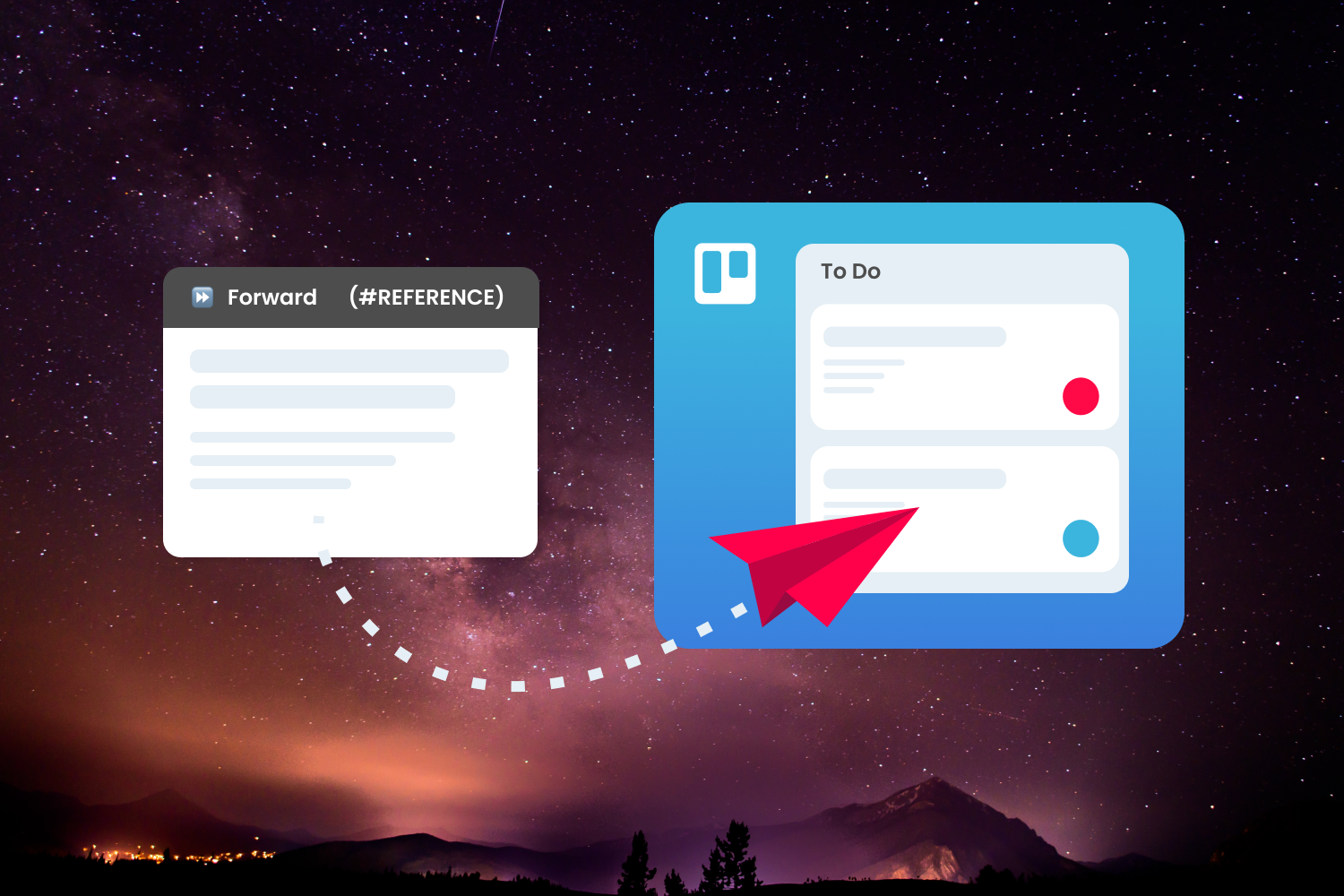
How to forward an email to a Trello card – new feature
Learn how to attach an email to an existing conversation in Trello with SendBoard's new forward feature.
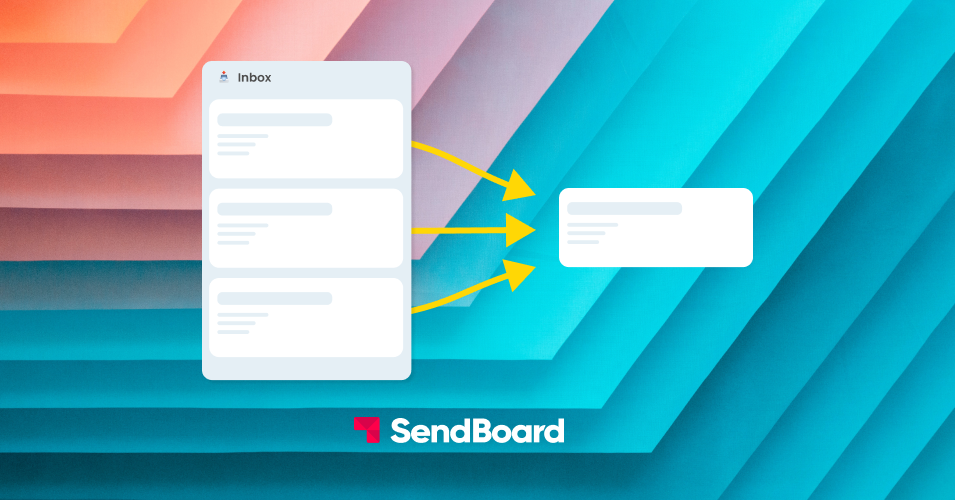
How to merge Trello cards - feature highlight
Got two Trello cards on the same topic? Here's how to merge two cards into one with SendBoard's Email for Trello Power-Up.
Why Startups Love SendBoard
With SendBoard in Trello, you get more value out of your existing tools – plus your team gets email superpowers. Win!
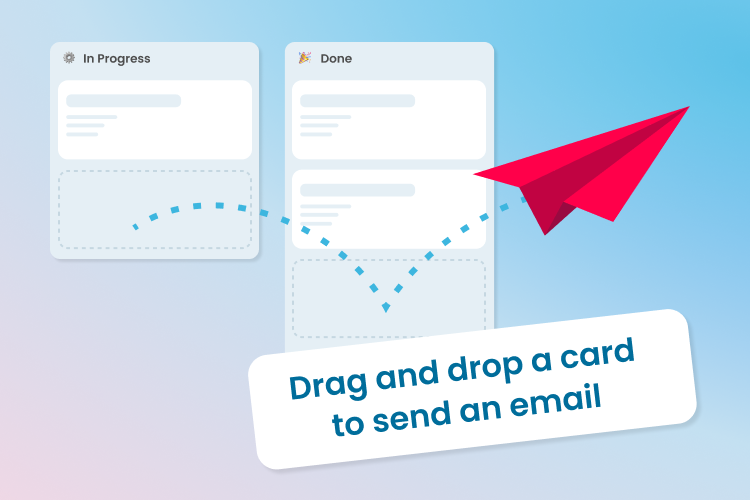
Drag a Trello card to send an email
When you move a Trello card from one list to another, the Email for Trello Power-Up can fire off an email update on your behalf.
How to craft the perfect email signature for your shared mailbox
We dive into what makes a great email signature and how you can put one together with SendBoard's Email for Trello Power-Up.
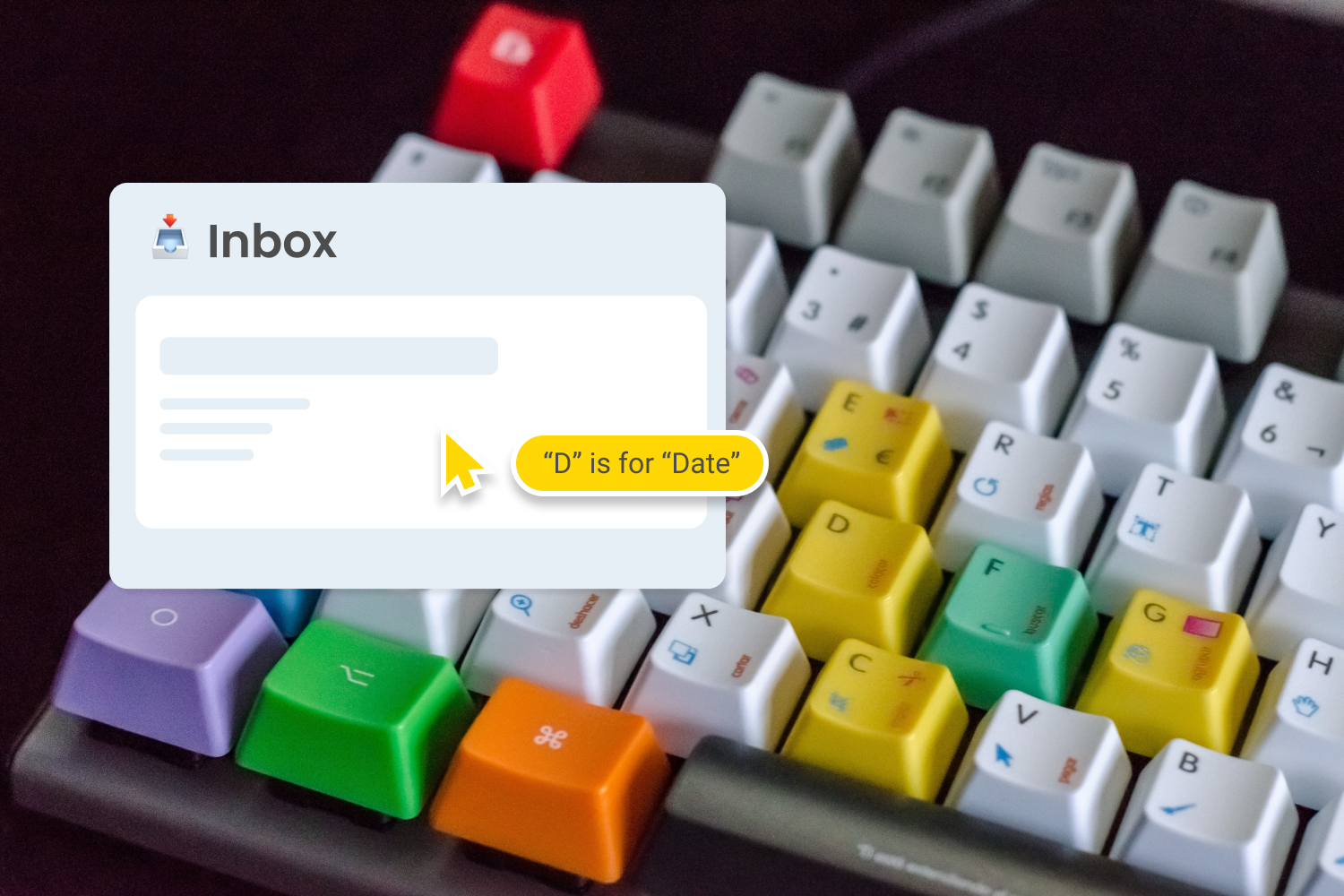
Your Trello shortcut cheat sheet
Work smarter, not harder, with our handy guide to shortcuts in Trello and SendBoard. Save time and become a Trello master with the stroke of a key!
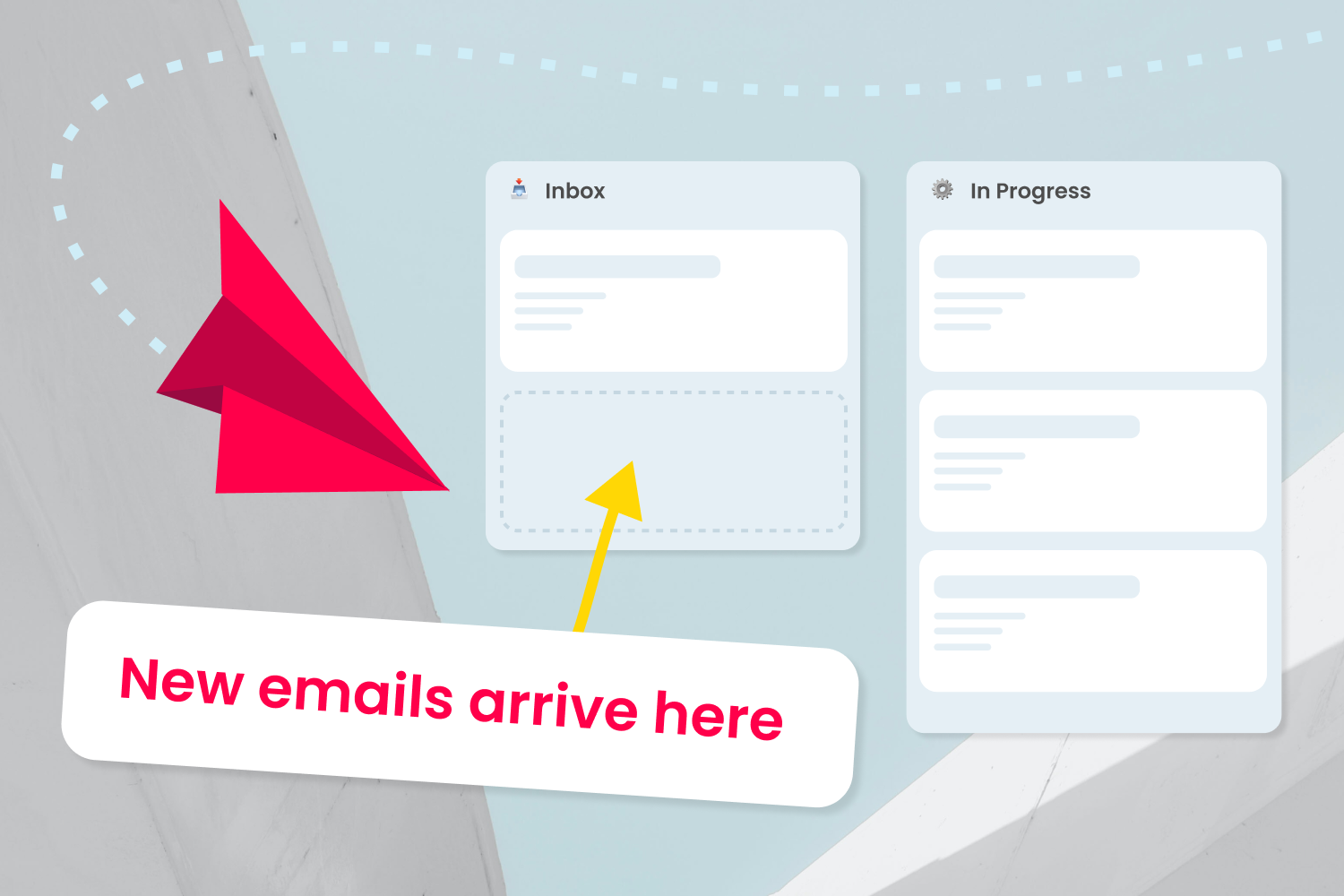
4 ways to harness the power of Kanban for email
Kanban has become one of the most popular agile methodologies. Here are 4 powerful ways to improve your team’s email workflow using Kanban.