
ONBOARDING
Manage any kind of onboarding in Trello
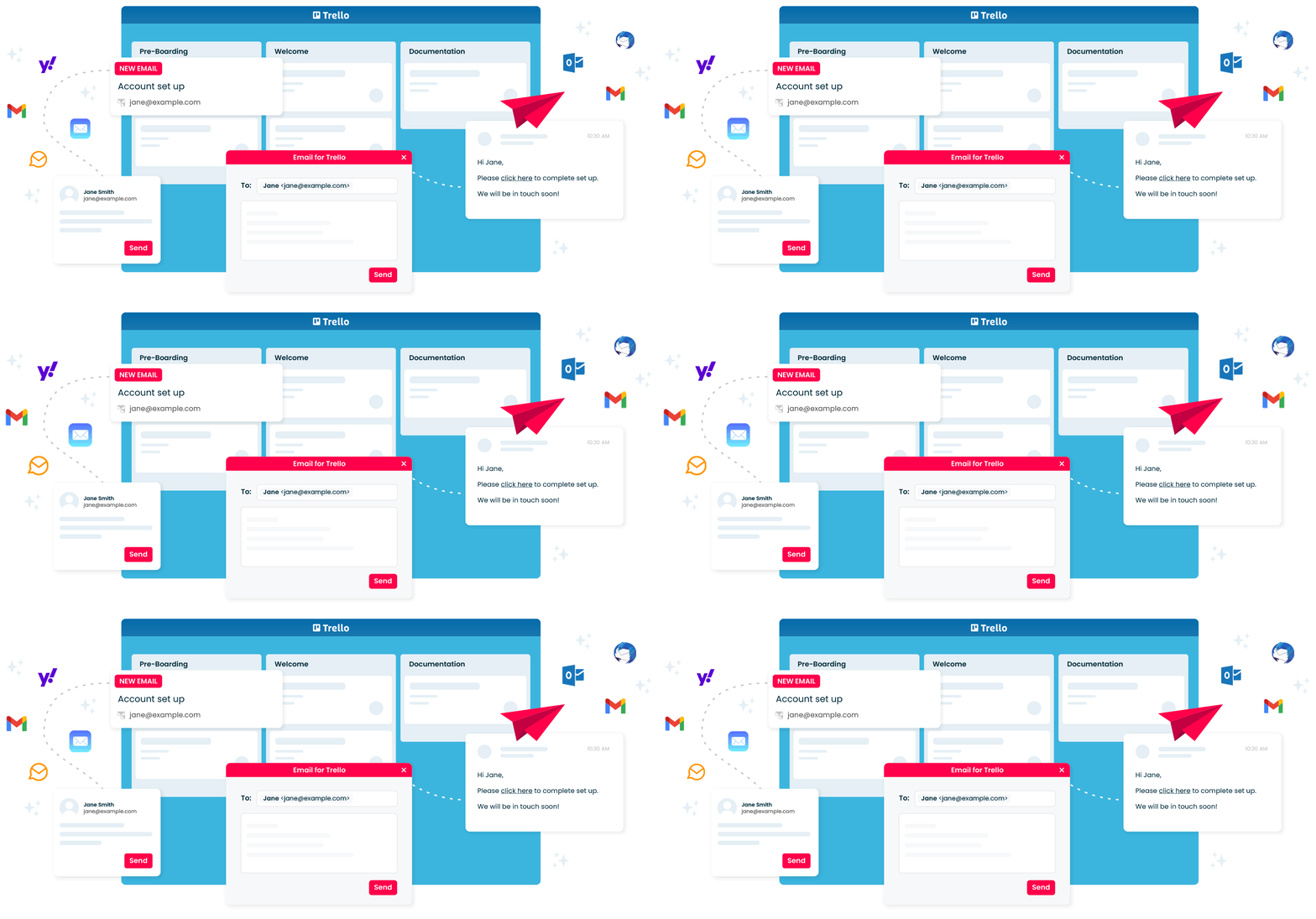
Whether you're onboarding clients, customers, or employees, Email for Trello can help your team organize their pipeline, discuss to-dos, and handle email outreach – all in one workflow.


Email for Trello features
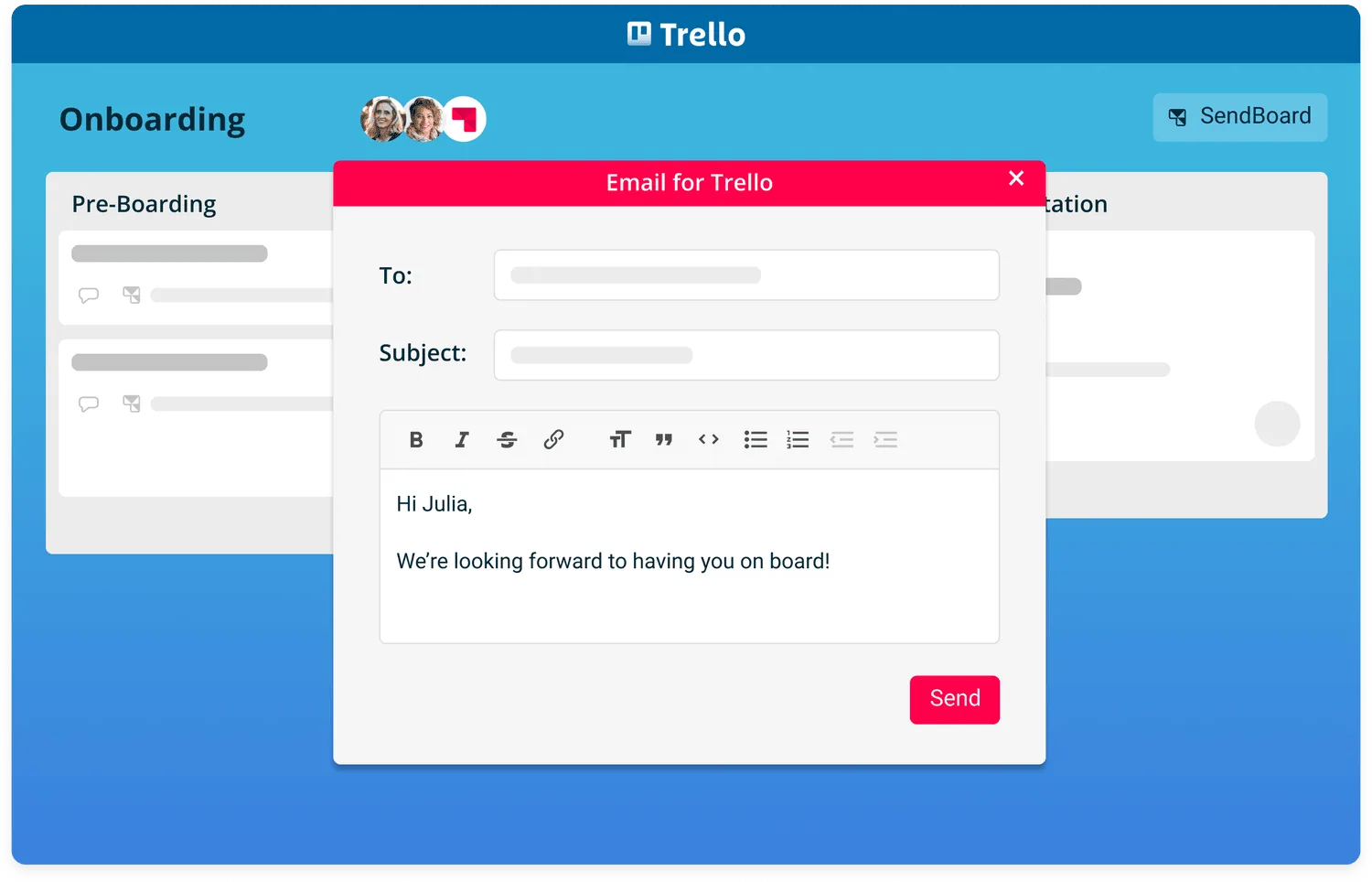
Send emails in Trello
Welcome to your onboarding workflow
Connect a shared inbox (like onboarding@) to send and receive emails right from your Trello board.
Use lists to keep track of the stages in your workflow. Here’s a basic client onboarding example:
Pre-Boarding: Prepare signed clients for onboarding
Welcome: Welcome new clients and share information with them
Introduction: Arrange a kick-off meeting to introduce the team
Ongoing Support: Set up regular check-ins to keep clients happy
Documentation: Keep a list of commonly used docs and templates
Save time with template emails
Use Saved Reply templates to manage your onboarding journey, save team time, and reduce errors.
Perfect for service businesses like agencies and consultants to manage client communication.
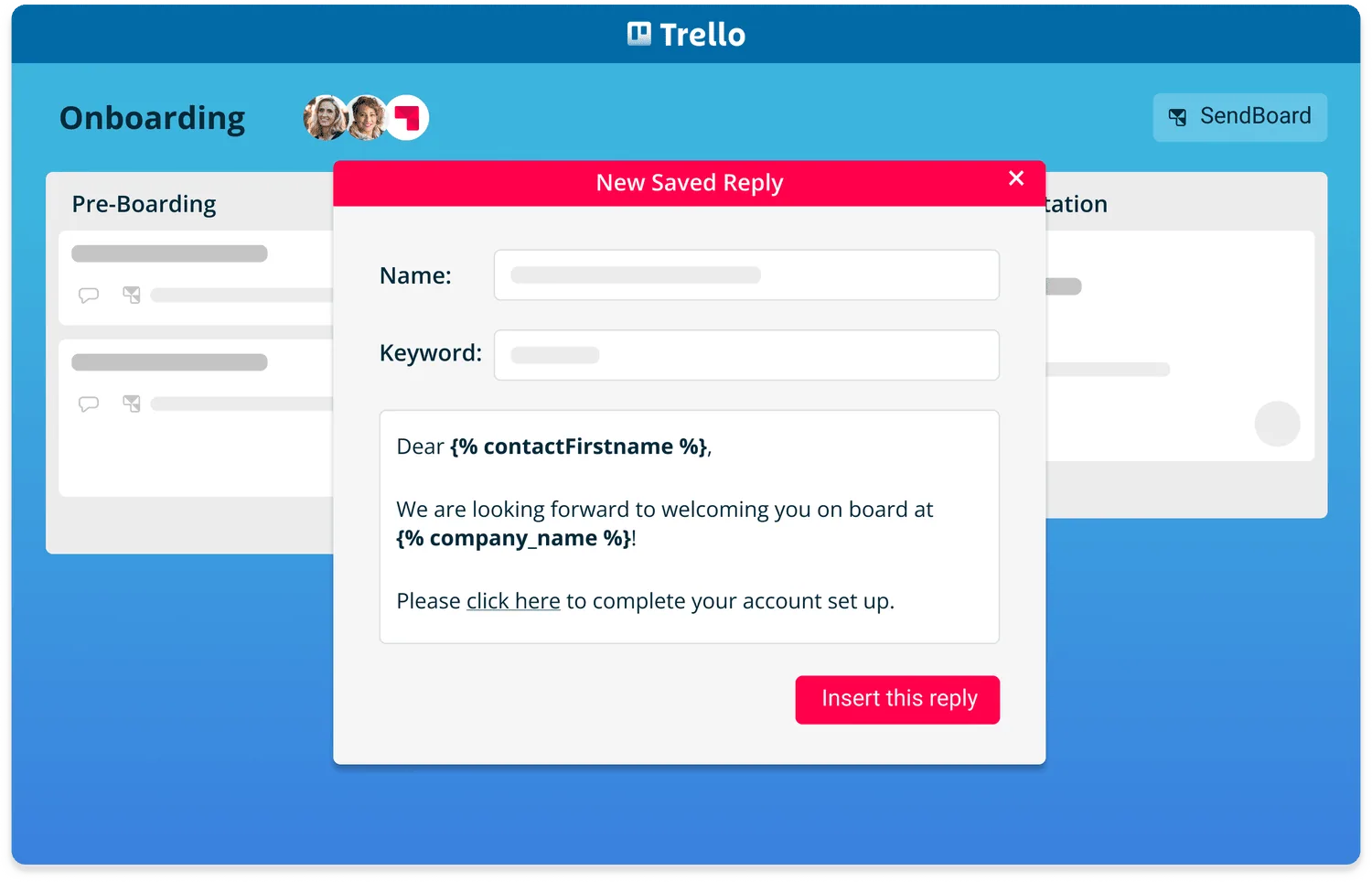
Saved Replies
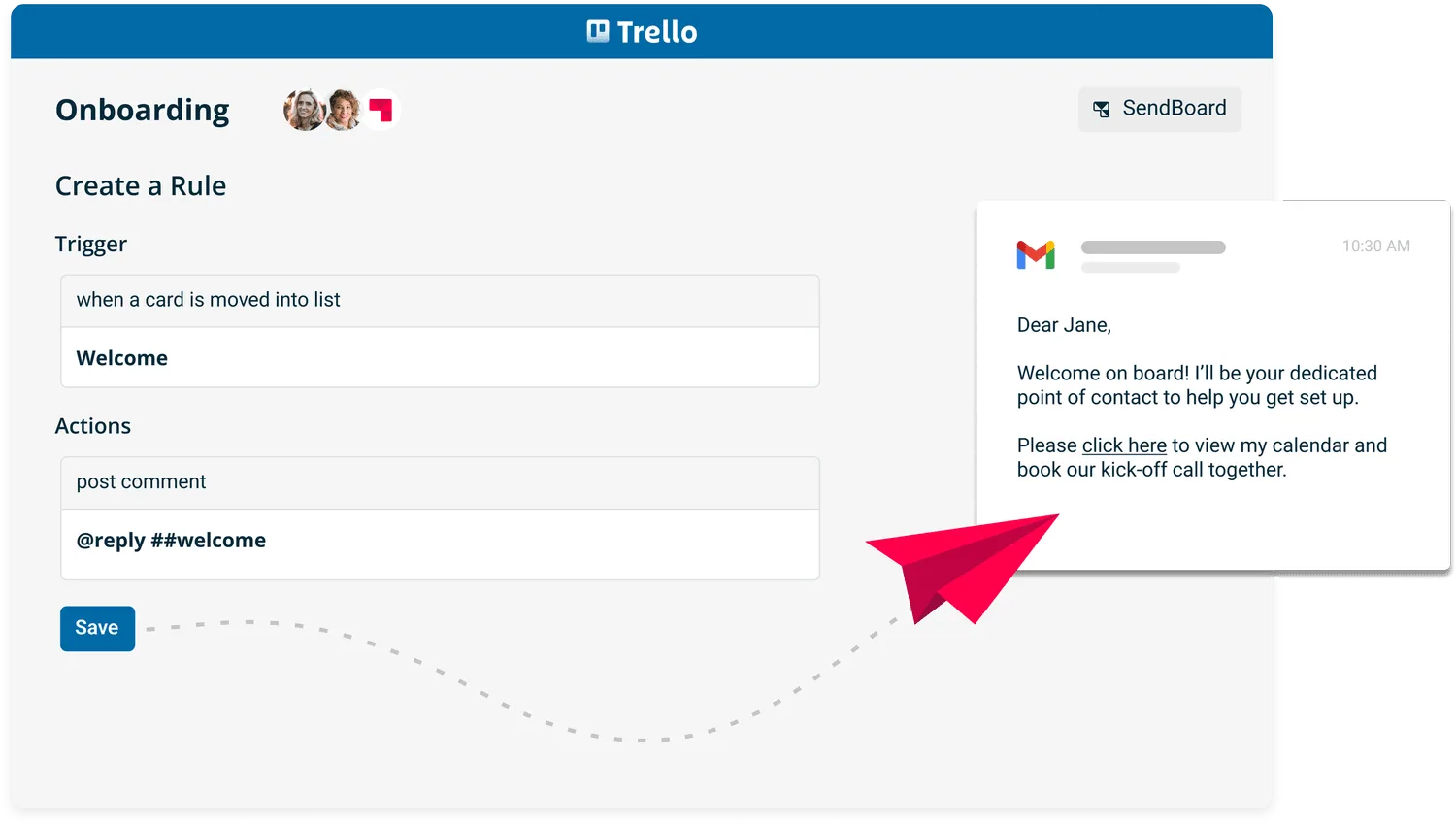
Reply with Trello automations
Automate your onboarding processes
Use Trello rules to automatically send out templated emails based on triggers. Less time spent typing means more time for meaningful work!
Build better relationships
Keep your emails personal by using variables to insert contact names, Trello content and Custom Fields into your emails. Each variable will be automatically populated with the relevant value when you hit send.
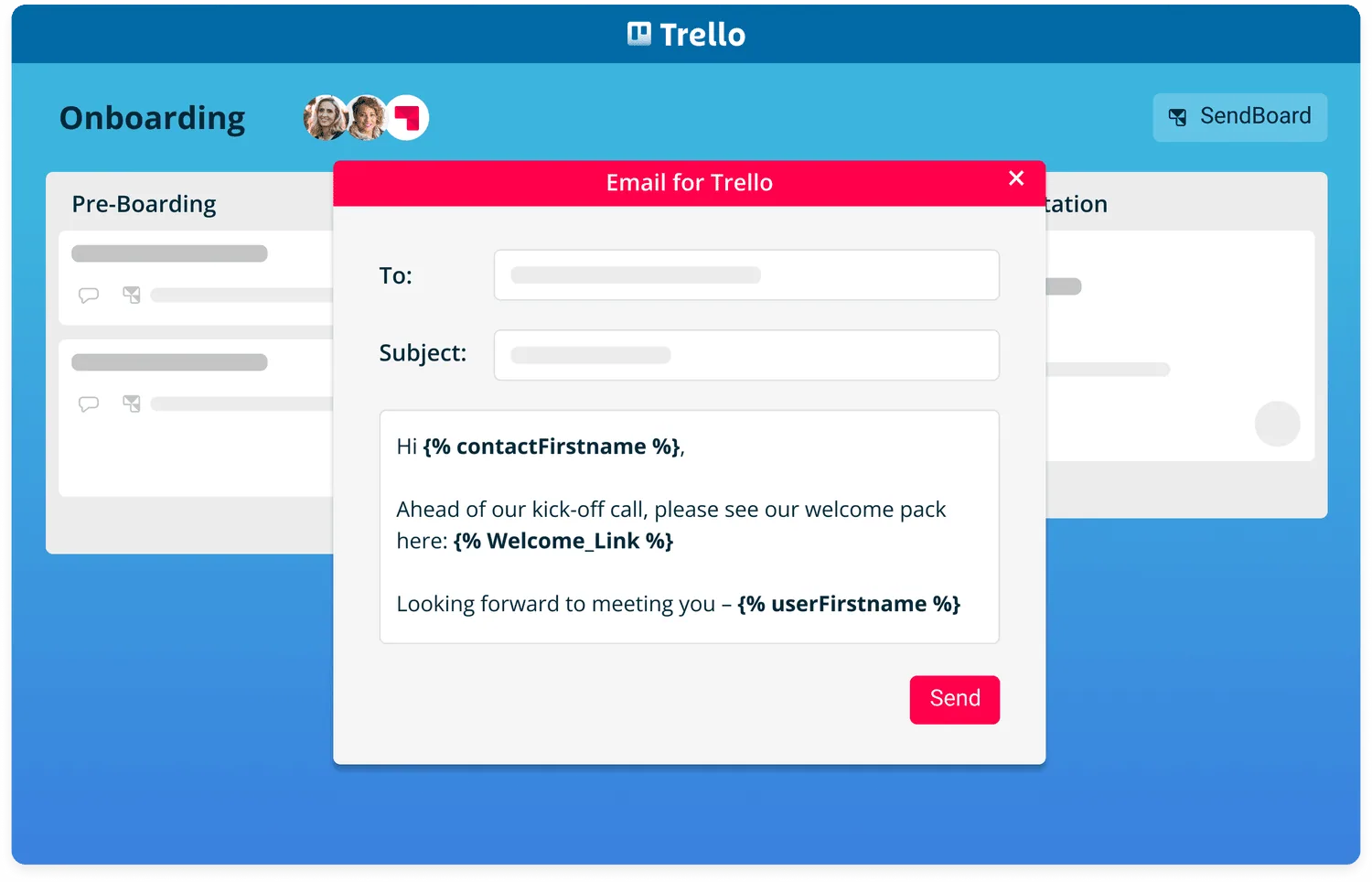
Variables
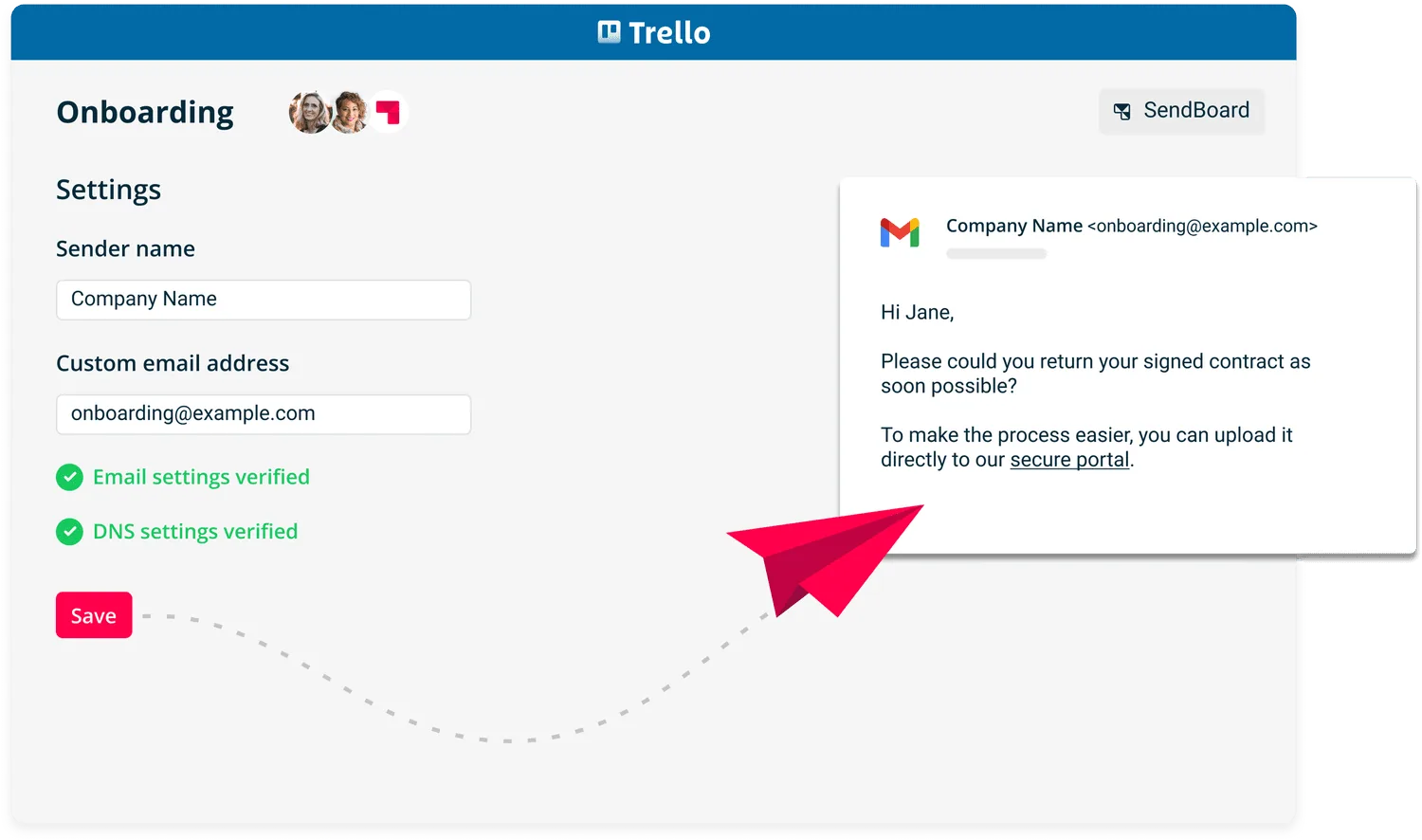
Custom from/send address
Use your own email address
Boost trust and recognition by sending emails from your own custom domain. Simply link up your own email address to your Trello board to get started.
Organize your onboarding data
Use Custom Fields to organize the details that are important to you. Insert Custom Fields into your emails, or extract details into Custom Fields to use elsewhere in Trello.
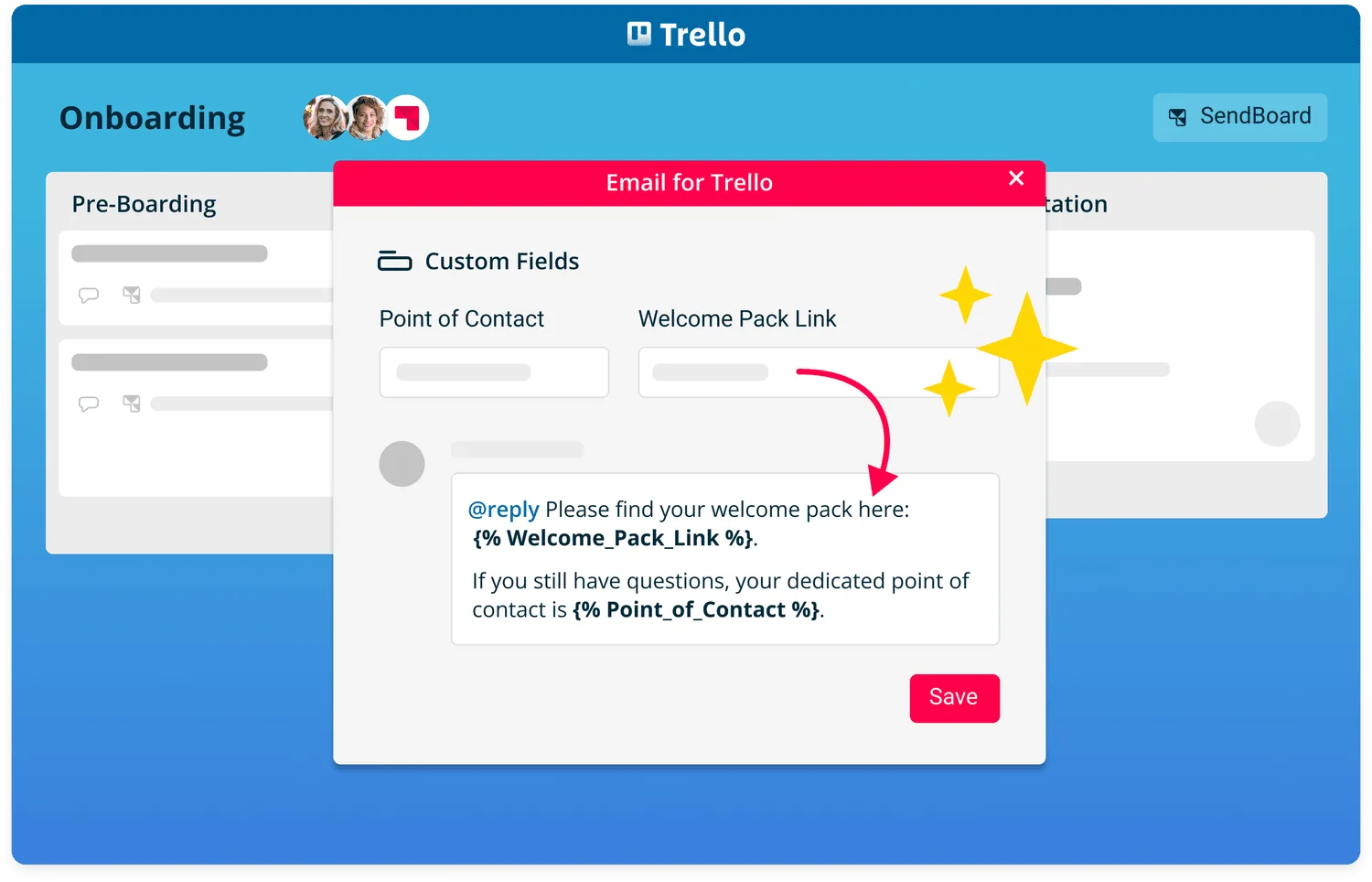
Trello Custom Fields
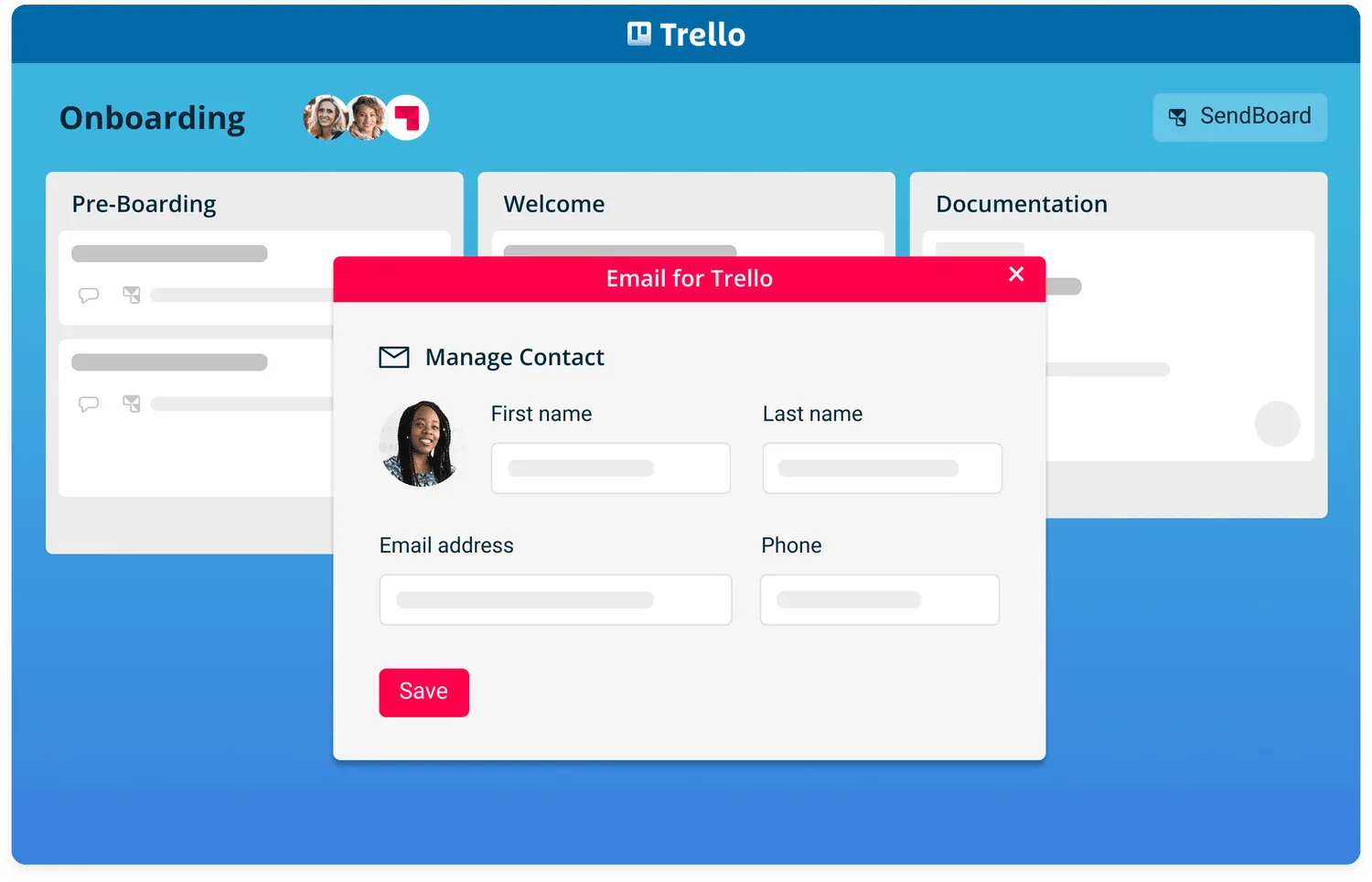
Manage your contacts
Manage employee or client details
It’s easy to create new contacts, add email addresses, and edit existing details – right within Trello.
Streamline your onboarding in Trello
Tips and resources for customizing Trello into your perfect onboarding workflow.
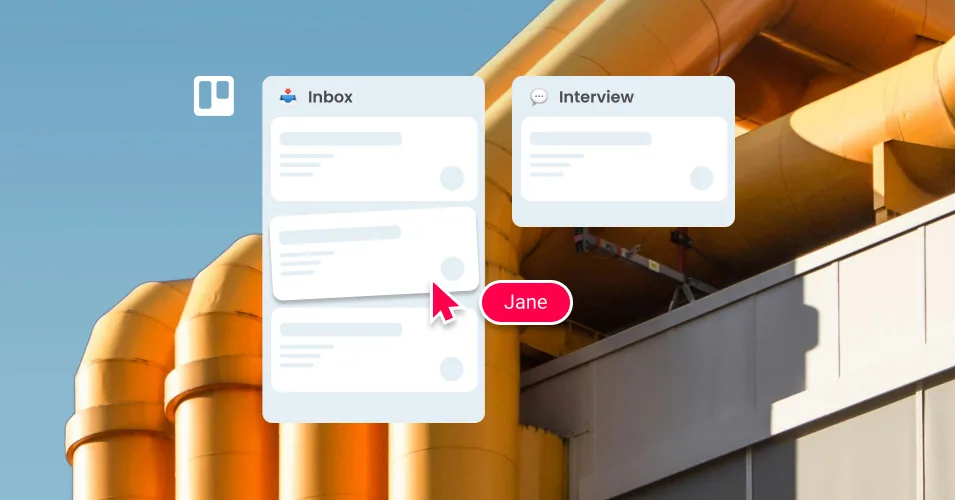
Build a recruitment pipeline in Trello with email templates
The ultimate guide to email prompts for HR teams
The Complete Guide to Trello Automation in 2026
6 nifty ways to use video in your Trello email workflow
How to boost your email workflow with Trello’s recurring date feature
Build a master overview board for your Trello workspace
Customer Success Workflows in Trello
Connect a shared email inbox to the new Trello
How to manage email workflow from Trello mobile
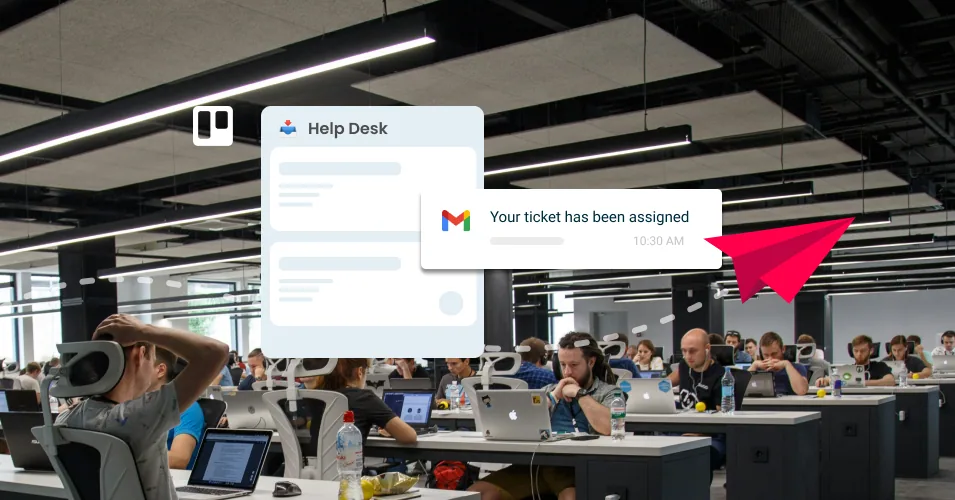
How to build a Trello help desk from scratch (step-by-step)
-
It just works. Now I can do everything from each Trello card.
 Scott WeaverDone That Fixed It
-
Perfect email solution for Trello users.
 Geraldine LimWord Class Asia
-
Email for Trello is one of the best Trello Power-Ups out there. The premium version will allow you to pretty much customise the email exactly to your needs with automation, templates, custom address and your logo.
 Mike DayDreamsuite
-
Unreplaceable tool.
 Gert VattMobire
-
Email for Trello is a great way to receive requests and stay in touch with folks via email, without ever leaving Trello.
 Chris MartsABC Creative
-
Great customer support.
 Tim KellyGroundswell
-
I’ve tested an awful lot of Trello Power-Ups over the years. But Email for Trello is one of the few that just blew my mind within minutes of using it!
 Scott FriesenSimpletivity
-
The best email/Trello bridge I know of.
 Aimee Neff
Try Email for Trello for free
14-day full-access trial. No credit card required.
Power-Up your onboarding processes

Set up video calls with Whereby

Sync Trello with your Notion database
Attach docs and PDFs with Google Drive

Saved frequently used links with Bookmarks
Save time on HR with Process Templates
Try Email for Trello for free
14-day full-access trial. No credit card required.